Design it for me
Ready-Made Merch Designs for Athletes: How the Template Path Works
A clear walkthrough of the template path: what a ready-made design actually gives you, what you customize, and when it beats starting from scratch.
By Influxer · Published 2026-08-16 · Updated 2026-08-16 · 5 min read
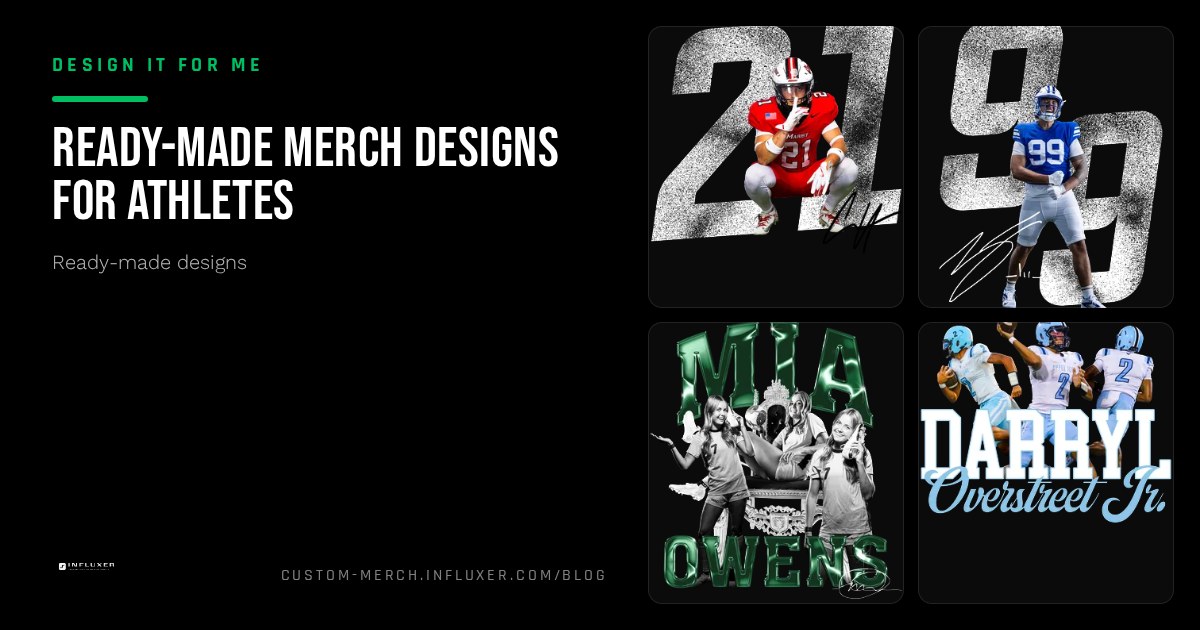
Not everyone wants to open a blank canvas. If you know you want a shirt with your name, your number, and something that looks like it belongs on a real product, a ready-made design gets you there without a design skill requirement.
A template is not a finished shirt with someone else's name on it. It is a proven layout, built with real print rules already accounted for, with the specific slots that make it yours: name, number, team or club name, and color choices.
This is the front door to the "Design It For Me" side of the Influxer studio. Below is how the path actually works, what you can and cannot change, and how to pick a starting layout instead of scrolling forty options with no plan.
What a ready-made design actually is
Each template is a complete layout built around a sport or a use case: a warm-up graphic, a fan tee, a senior tee. The typography, spacing, and print size are already dialed in for the Comfort Colors 1717 tee or the Independent Trading Co. SS4500 hoodie, so you are not guessing whether a number will look too small or a wordmark will run off the chest.
What changes is the text and, in most templates, the color. You drop in a name, a number, a graduation year, or a team name, and the layout resizes and rebalances around it the way a real designer would, instead of just stretching text into a fixed box.
How the studio path works, step by step
From the home page, choose "Pick a Template" to land in the ready-made path. From there you move through the same five-step athlete flow as any other order: Design, Photo, Signature, Info, Review. Design is where you select the layout and fill in your details on the garment mockup. Photo is optional. Signature is optional and fully skippable. Info collects who the order is for, and Review is your last check before it goes to the Influxer team.
Because you are starting from a built layout, the Design step usually goes faster than an upload session: you are choosing and adjusting, not building placement decisions from zero.
- Pick a template built for your sport or use case.
- Fill in name, number, or team text in the provided fields.
- Choose garment and color on the real mockup preview.
- Move through Photo and the optional Signature step.
- Confirm details in Info, then submit at Review.
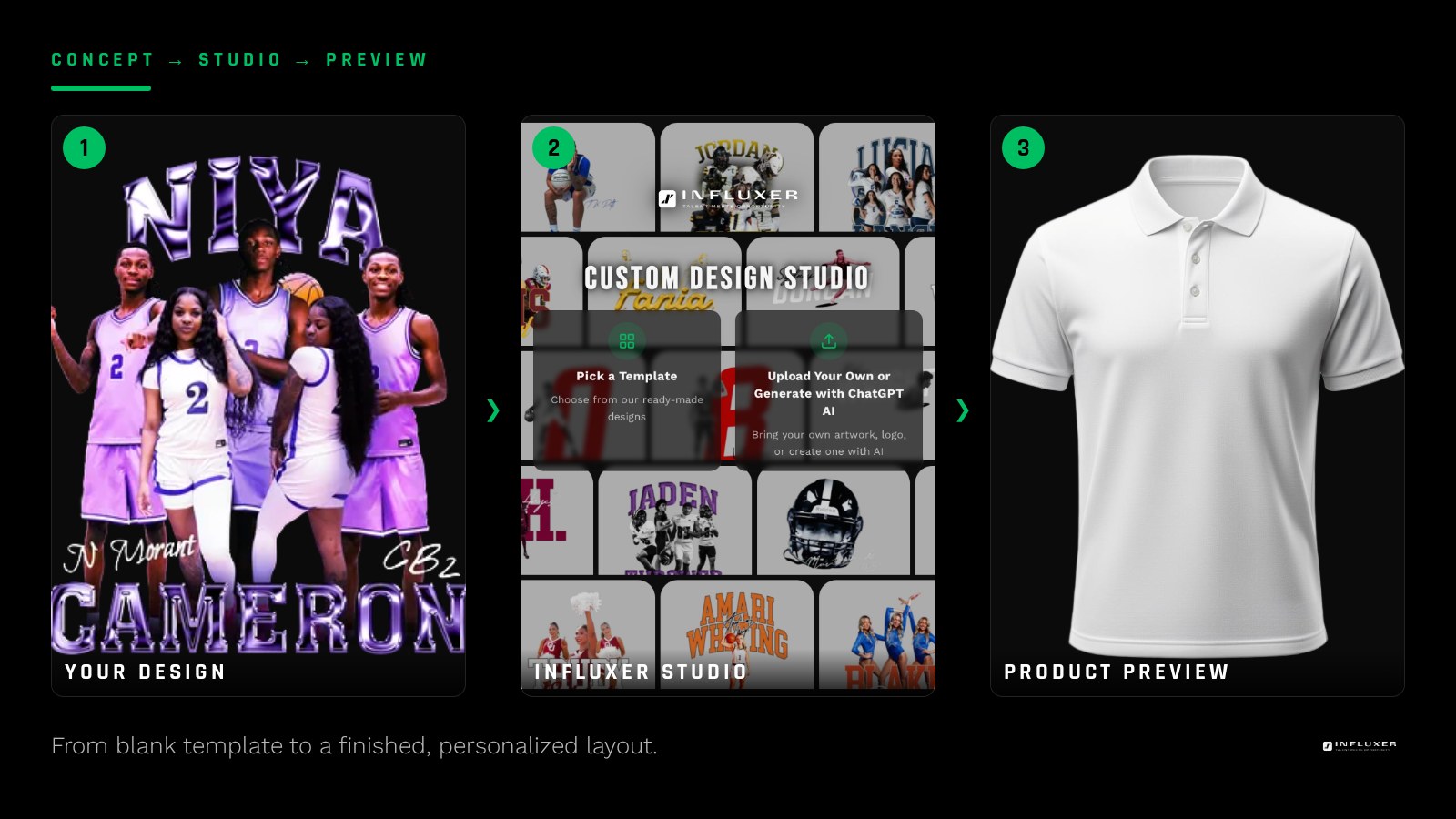
What you can customize versus what stays fixed
You can always change the text fields, the garment color, and usually the accent color inside a design. What generally stays fixed is the overall composition: the relationship between the graphic and the text, the print size, and the placement zone. That constraint is a feature, not a limitation. It is what keeps a template from turning into an amateur layout the moment you start typing your own words into it.
If a template is close but not quite right, that is a signal to look at a couple of neighboring layouts in the same sport category rather than trying to force one design to do a job it was not built for.
When the template path beats starting from scratch
A template makes sense when you know the basics you want to say (a name, a number, a sport, maybe a season or graduation year) and you want it to look finished without a design back-and-forth. It also makes sense on a real deadline, since there is no blank-page stage to get through.
It makes less sense if you already have a logo, a wordmark, or artwork someone made for you. In that case, uploading your own file usually gets you a more accurate result than trying to fit existing artwork into a fixed template composition.
Picking a starting layout without wasting time
Start by sport, not by style. Templates built for football read differently than templates built for track, because the information that matters (jersey number versus event or time) is different. Filtering by your sport narrows a long list to a handful of layouts that were actually built with your context in mind.
From there, judge a template the same way you would judge a finished shirt: does the text stay readable if you shrink the preview, does the color choice look intentional rather than default, and does the layout leave room for the specific words you need to add.
Garment and color choices still matter
A template is not locked to one color. Most designs are built to work across a handful of Comfort Colors 1717 options, from a neutral like Ivory or Pepper to a bolder shade like Watermelon or Blue Spruce. Preview your text in at least two colors before you commit, since a name that reads clearly on white can lose contrast on a mid-tone shirt.
If you are ordering for a group, the SS4500 hoodie and the 1717 tee in the same or coordinating colors let you offer two price points and two use cases (game day tee, everyday hoodie) from one design decision.
What happens after you submit a template order
Once you submit, the Influxer team reviews your filled-in template the same way they review any order: checking that the text fits cleanly, the color choice holds contrast, and nothing runs into the edge of the print area. Because the layout itself is already proven, review at this stage is mostly about your specific text and color combination rather than the whole composition.
If a name is too long for the layout at full size, you may be asked to shorten it, use initials, or drop to a smaller type option within the same template rather than redesigning the shirt from nothing.
Before you pick a ready-made design
- Filter templates by your sport first, not by general style.
- Know your exact text ahead of time: name, number, team, and any date.
- Preview your text in at least two garment colors before deciding.
- Check readability by shrinking the preview window.
- Decide tee, hoodie, or both before you finalize color.
- Skip the signature step if it does not apply to your order.
- Confirm every detail in Review before you submit.
Frequently asked questions
Is a ready-made design the same for everyone who picks it?
The layout is shared, but the text, name, number, and often the color are yours. Two people can start from the same template and end up with visibly different shirts once their specific details and color choice are in place.
Can I combine a template with my own logo?
Templates are built as complete compositions, so they are not designed to slot in outside artwork. If you have your own logo or graphic, the upload path is the better starting point for that.
How long does the template path take compared to uploading my own design?
Choosing and filling in a template is usually quicker than building placement decisions from a blank upload, since the composition and print sizing are already set. Review timing on the Influxer side is similar either way.
Can I preview my exact team colors before ordering?
Yes. The studio previews your filled-in template on the real garment mockup, and you can switch between the available colors to see contrast and readability before you submit.
Browse ready-made designs — Pick a layout built for your sport and drop in your own name, number, and colors.
Compare with uploading your own design — Already have artwork? See the upload path instead.