Design it for me
Template vs Custom Design: How the Timeline Really Differs
Where the time actually goes on each path, so you can pick the one that fits your deadline instead of guessing.
By Influxer · Published 2026-08-16 · Updated 2026-08-16 · 4 min read
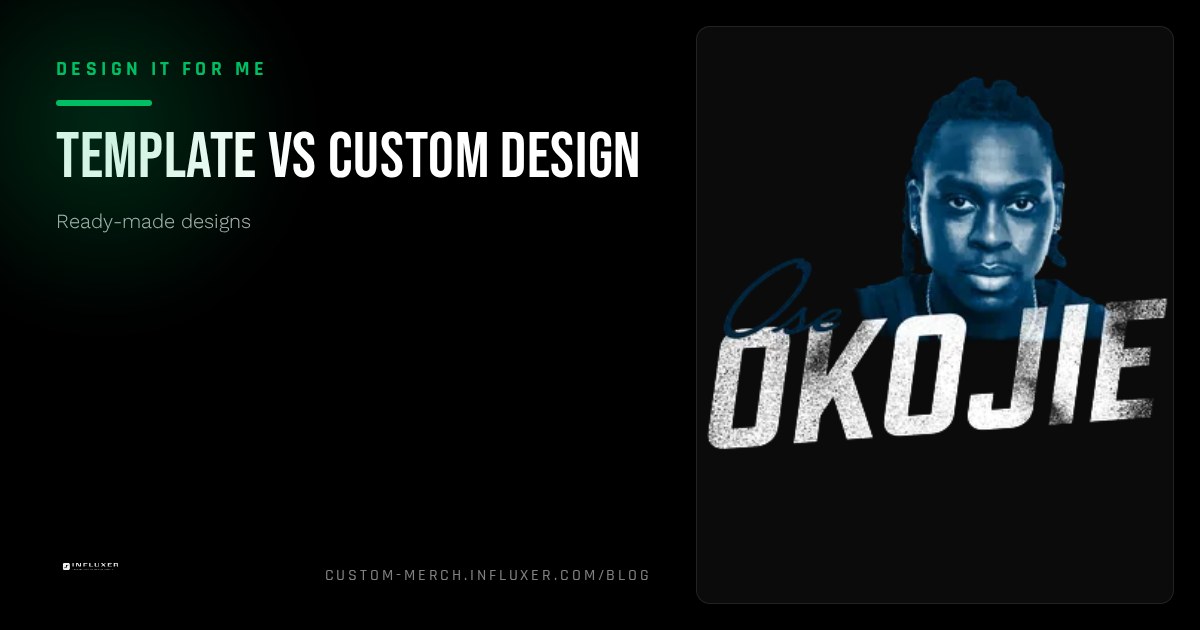
The honest answer to "which is faster" depends on what stage eats your time, and that stage is different for a template order than for a custom one. Neither path skips review; what changes is how much decision-making happens before you get there.
This is not a claim about specific delivery dates. It is a breakdown of where the time actually goes on each path, so you can plan your own timeline instead of guessing.
If you are working against a real date, this comparison should tell you which path removes the most uncertainty for you specifically.
Where the time goes on a template order
A ready-made design starts with the layout already built: typography, spacing, and print size are set. Your time goes into three things: filtering to a sport-relevant shortlist, typing in your real name and number to see how it fits, and checking colors on the mockup. For most people that is a single sitting.
Because the composition itself is already proven, review on the Influxer side tends to focus on your specific text and color choice rather than the whole layout, which usually means fewer open questions come back to you.
Where the time goes on a fully custom design
A custom design starts from what you send: reference images, a rough idea, or a description of what you want. That input has to become an actual layout before anyone can judge whether the type size, spacing, and print area work, which adds a creative round trip that a template skips entirely.
The upside is a result built specifically around your idea rather than adapted from a fixed composition. The trade-off is more back-and-forth: you may see a first version, ask for a change to spacing or color, and see a revised version before it is ready to submit.
The variable that changes everything: how clear your idea is
A custom design request with a clear reference and specific text moves close to template speed, because there is less guessing for the person building it. A vague request ("something cool with my number") takes longer regardless of path, because the first round is often just narrowing down what you actually want.
If you know exactly what you want, say it precisely: font style, whether you want bold or condensed type, and which colors you are set on. That precision shortens a custom timeline more than almost anything else.
Revisions behave differently on each path
On a template, a "revision" is usually you swapping to a different layout or adjusting text and color yourself, which happens instantly in the studio before you even submit. On a custom design, a revision is a real round trip: you flag a change, and a revised version comes back for your review.
That difference matters most under a deadline. If you have very little room for back-and-forth, the template path removes that variable almost entirely because most of the adjusting happens on your side, before submission, rather than after.
When custom is worth the extra time
A fully custom design is worth the slower path when you have specific artwork, a mascot, or an idea that no template composition fits, or when the shirt is meant to be a genuine one-off centerpiece, like a senior night design built around a specific detail from someone's career.
It is not worth the extra time if what you actually want is a clean name-and-number tee. That is exactly the case a template already solves, and choosing custom for it just adds a round trip for a result you could have had immediately.
A simple way to decide under a deadline
If your idea can be described in one sentence and mostly involves your name, number, and team, start with a template and see if one fits before considering custom. If your idea needs a paragraph to explain or depends on artwork no template could hold, plan for the custom round trip and start that conversation as early as you can.
Either way, the studio auto-saves your progress as a draft, so starting early on either path costs you nothing if you change direction partway through.
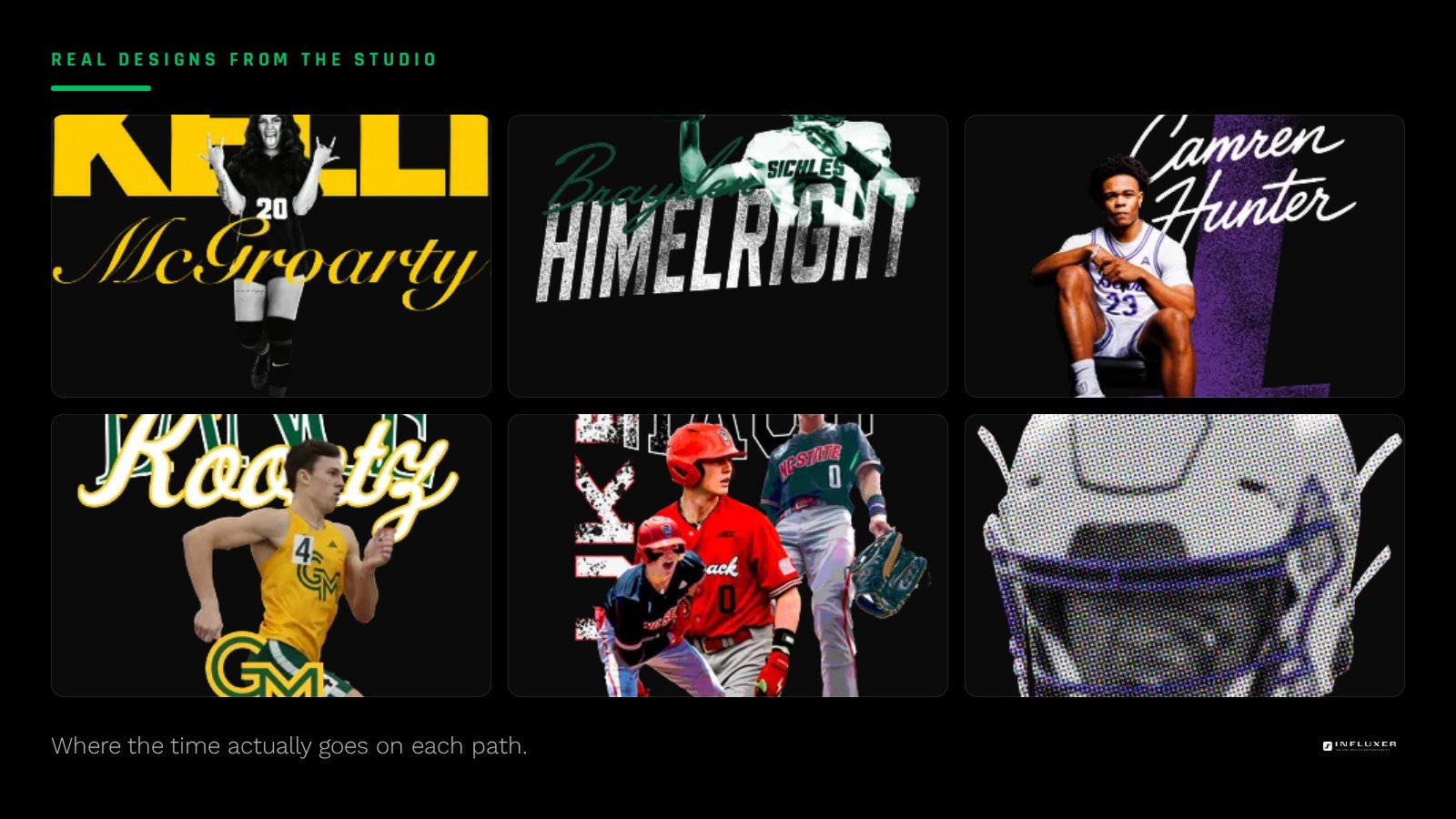
Deciding on a timeline
- Write your idea in one sentence; if that is enough, start with a template.
- If your idea needs artwork no template could hold, plan for a custom round trip.
- Have your exact name, number, and team text ready before you start either path.
- For custom requests, provide a specific reference rather than a vague description.
- Decide your color preferences ahead of time to avoid a late-stage back-and-forth.
- Start early on whichever path you lean toward; drafts auto-save if you change direction.
Frequently asked questions
Is a ready-made design always faster than a custom one?
In most cases, yes, because the layout is already built and your time goes into filling it in rather than creating it. A very clear, well-referenced custom request can close some of that gap, but it still involves at least one creative round trip a template does not.
Can I start with a template and switch to custom later?
Yes, the two paths are separate but you can explore either one before committing. If a template does not fit what you need, you can move to the upload or custom conversation instead of forcing it.
Does a custom design mean more revisions?
It usually means at least one revision round, since the first version is built from your description or reference rather than a layout you have already seen and approved. A template involves adjustments too, but you make most of them yourself before submitting.
What should I have ready before choosing a path?
Your exact name, number, and team or event text, plus any color preferences. For a custom request, also have a specific reference image or a precise description ready, since that shortens the timeline the most.
Start with a ready-made design — See how fast a template comes together once you fill in your own details.
Compare both paths in depth — Not sure which fits your deadline? Get a side-by-side comparison.