Help me choose
Time Trade-Offs: DIY Artwork vs Done-For-You Design
Speed is not automatically on one side. Here is where time genuinely gets spent in each merch path, and how to spend less of it.
By Influxer · Published 2026-08-16 · Updated 2026-08-16 · 4 min read
People assume uploading your own design is slower because it sounds like more work, and a ready-made design is faster because it sounds pre-built. Neither assumption holds up once you look at where time actually gets spent inside the Influxer Custom Design Studio.
Both paths run through the same five steps: Design, Photo, Signature, Info, Review. The step that eats time is almost always Design, and how much time it eats depends entirely on what you walk in with, not which door you chose.
This breaks down the real time costs of each path so you can estimate honestly instead of guessing based on which one sounds simpler.
Where time actually goes in the upload path
If your artwork is already finished and print-ready, the upload path can be genuinely fast: you upload the file, place it, scale it, and move on. Most of that takes minutes, not hours.
If your artwork is not ready, the time cost shows up before you even open the studio. Sourcing a designer, fixing resolution, removing a background, or re-exporting from an old file can take far longer than the studio steps themselves. This is the hidden time sink people forget to count.
Where time actually goes in the ready-made path
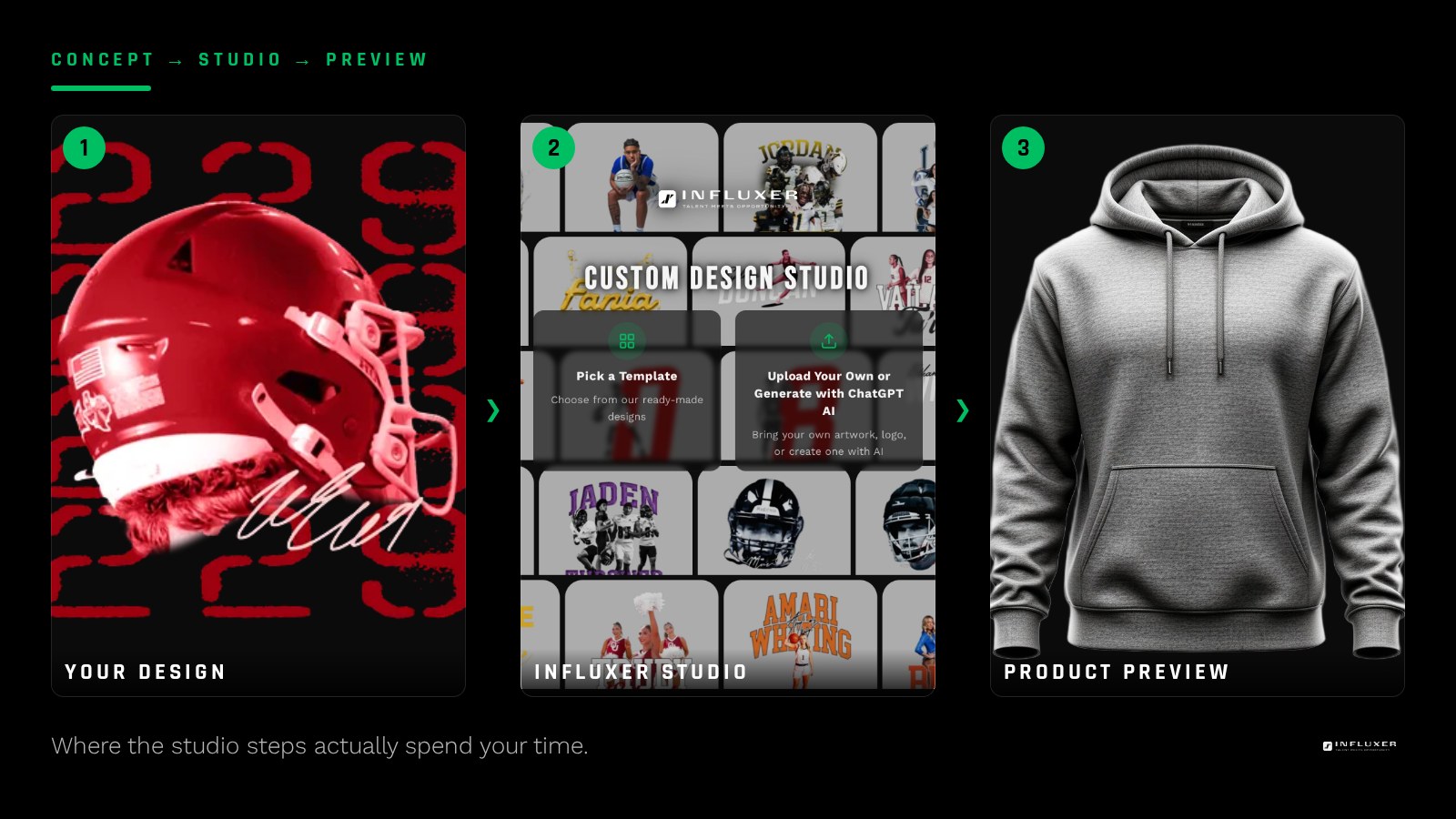
A ready-made design removes the sourcing and fixing step entirely, since the layout is already built and tested. Your time goes into browsing options, picking a layout and colorway, and filling in your details.
The trade-off is that you are choosing from what exists rather than building exactly what you pictured, so if none of the available layouts feel right, you may spend time looking rather than deciding, which is a different kind of delay than a slow upload but still real.
The Photo and Info steps take the same time either way
It is worth separating out what does not change: Photo and Info take roughly the same effort no matter which path you started from, since they are about your details, not your artwork. Do not let a fast Design step convince you the whole order finishes instantly, and do not assume a slow Design step drags the whole flow either.
Signature is optional and skippable either way
The Signature step adds no time difference between paths since it can be skipped entirely without leaving your submission incomplete. If you are trying to move fast, skipping it is a legitimate option regardless of which path you started from.
What genuinely slows either path down
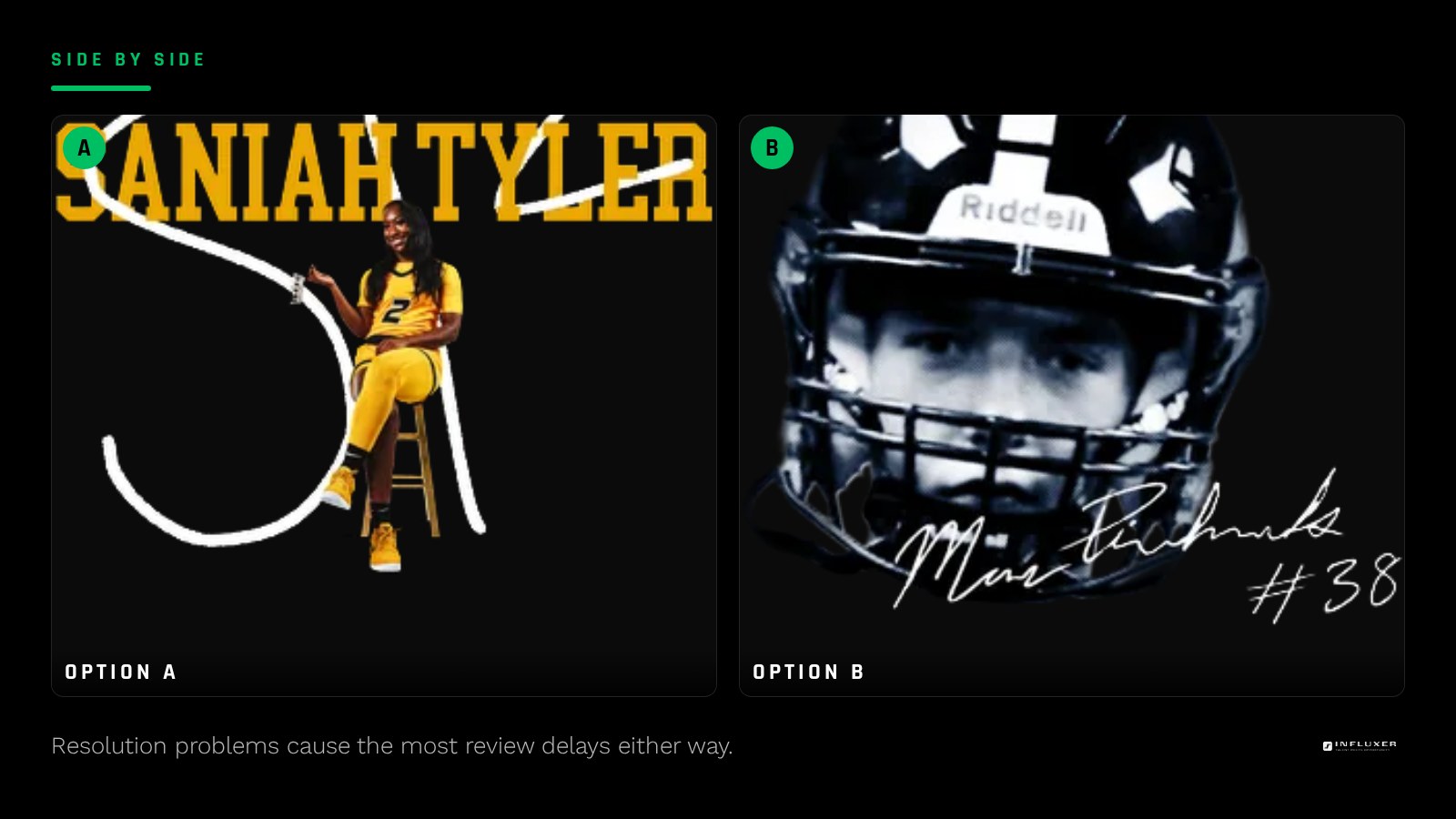
The biggest time cost in either path is revisions after Review. If your uploaded file is too low resolution, or a ready-made layout does not read well in your chosen color, you will be asked to fix it before production. Catching those issues yourself, using the mockup preview honestly, saves more time than choosing the "faster sounding" path up front.
- Low-resolution uploads cause the most review back-and-forth.
- Color and garment mismatches cause the second most.
- Skipping the preview step to save time usually costs more time later.
A fair way to estimate your own timeline
Be honest about your starting point. If you have a finished, print-ready file, count the upload path as fast. If you do not, count the time it will take you to get one, and compare that honestly against browsing ready-made layouts. The path is not what determines your speed; your starting materials are.
When neither path is actually the bottleneck
Sometimes the real delay is deciding who is buying, what garment colors to offer, or how many colorways to run, none of which is faster or slower based on your design path. Settle those questions in parallel with your Design step choice instead of treating them as blockers to starting.
A worked comparison
Say you have a finished wordmark saved at high resolution, ready to go. You open the studio, upload it, place it on a Comfort Colors 1717 tee, and move through Photo and Info in a single sitting. That is close to the fastest version of either path.
Now say you have an idea in your head but nothing built. You open the template path instead, browse a handful of layouts built for your sport, pick one, and adjust the colorway. That takes longer than the first example, not because the path is slow, but because you are making creative decisions in real time that the first person had already made before they opened the studio.
The lesson is not that one path wins. It is that the artwork you walk in with predicts your timeline far better than the path label does.
Estimate your real timeline
- Check honestly whether your artwork file is already print-ready.
- If it is not, estimate the time to fix it before comparing paths.
- Decide now whether you will use the Signature step or skip it.
- Set aside real time for the Photo and Info steps regardless of path.
- Use the mockup preview carefully to avoid a review round-trip.
- Settle garment colors and colorway count separately from your Design decision.
Frequently asked questions
Is uploading my own design always faster?
Only if the file is already finished and print-ready. If it is not, sourcing or fixing artwork can take longer than starting from a ready-made layout.
Is a ready-made design always faster?
It removes the artwork-building step, which is often the slowest part, but you still need to browse and choose a layout you are happy with, which takes real time too.
What is the single biggest time sink across both paths?
Revisions after Review caused by low-resolution artwork or a design that does not read well in the chosen garment color. Catching this before you submit saves more time than either path choice.
Start your merch — Get pointed to the path that matches how much time you actually have.
Watch the studio walkthrough — See how long each step actually takes before you start.