Help me choose
Upload Your Own vs Ready-Made Design: An Honest Comparison
Two real paths into custom merch, neither better in every case. Here is what changes with each, and how to pick based on what you actually have.
By Influxer · Published 2026-08-16 · Updated 2026-08-16 · 5 min read
Every athlete who lands on the Influxer Custom Design Studio home page hits the same fork: upload your own design, or pick a ready-made one and let the team build around it. Both paths end at the same five-step flow and the same real garment mockups, so the decision is not about quality. It is about what you already have and how much of the creative work you want to own.
This is not a sales pitch for either door. Uploading your own work is the right call for some people and a frustrating detour for others. Starting from a ready-made design saves real effort for some athletes and feels like a compromise to others. The difference usually comes down to four things: whether you already have usable artwork, how much time you have, how many colorways you want, and who is actually going to wear the merch.
Read through the trade-offs below, then use the decision points at the end to pick a lane. You can always start one way and adjust before you submit, since drafts auto-save and nothing locks in until Review.
What each path actually asks of you
Uploading your own design asks you to arrive with a finished or near-finished file: a logo, wordmark, or graphic that is yours to use, sized and cleaned up for print. From there you are placing and scaling it on the garment yourself in the Design step.
Starting from a ready-made design asks you to make a much smaller number of decisions up front, mainly which layout and colorway feel right, and then let the Influxer team fit it to your details. The creative heavy lifting already happened before you arrived.
The honest case for uploading your own artwork
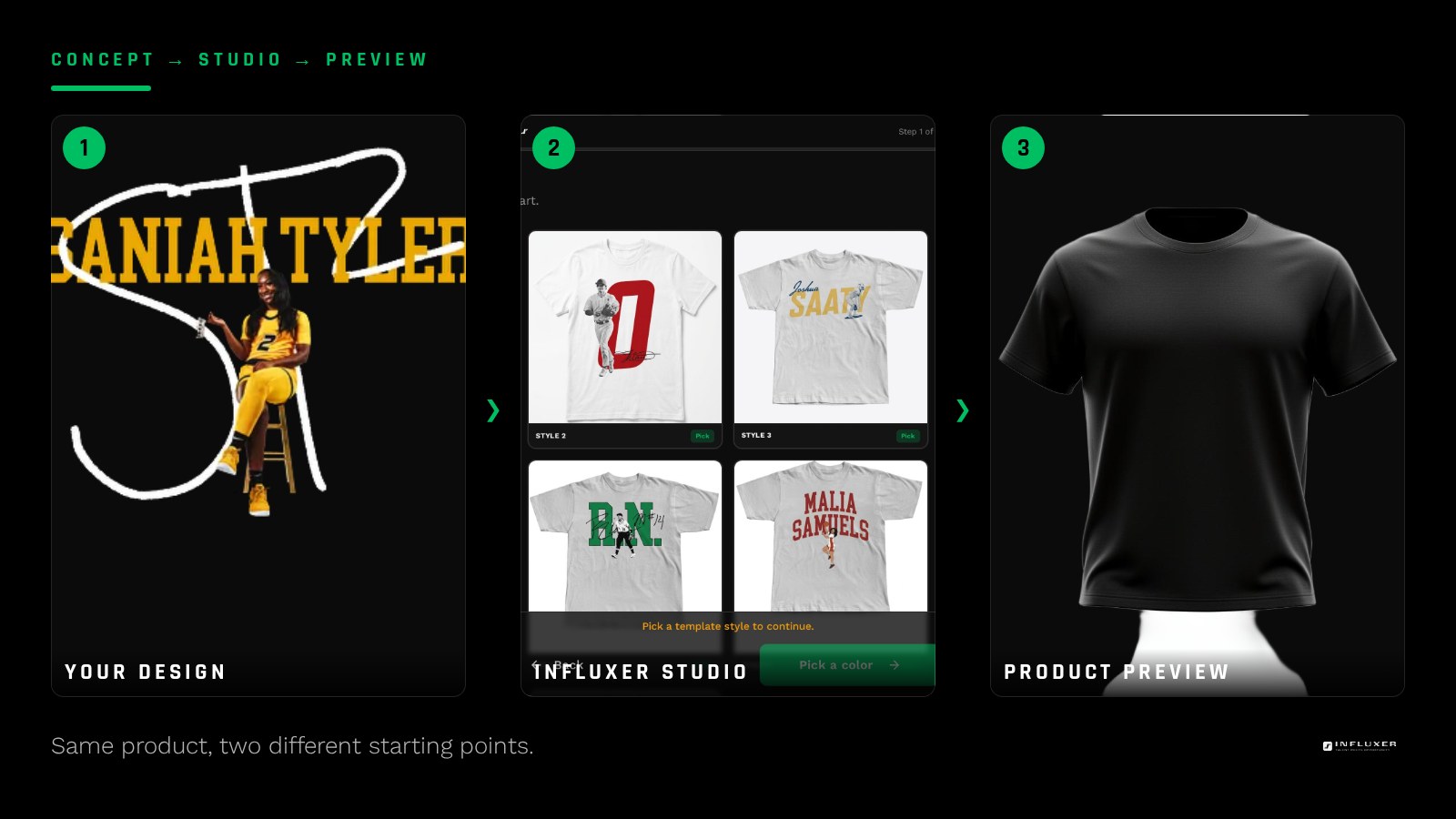
If you already have a logo, a monogram, or artwork someone made for you, uploading it is usually the more direct route. You are not waiting on anything creative; you are placing a finished asset. The studio previews it immediately on the tee, hoodie, or whatever garment you pick, so you see the real result before committing.
The catch is that "already have artwork" means artwork that is actually print-ready: high enough resolution, transparent background if it needs one, and clean at full chest size. A logo pulled from a phone screenshot is not ready even if it looks fine in a text thread.
- Good fit: you have a logo, wordmark, or number design already built.
- Good fit: you want full control over exact placement and scale.
- Weak fit: your only version of the artwork is a low-resolution screenshot.
The honest case for a ready-made design
A ready-made design removes the biggest point of friction for most first-time buyers: not knowing what looks good on merch versus what looks good in your head. The layouts are already built to work at chest-print scale, in real colors, on real garments.
The trade-off is that you are working inside someone else's creative decisions. You can usually swap a name, number, or color, but you are not reshaping the composition from scratch. That is a feature for someone in a hurry and a limitation for someone with a specific look already in mind.
- Good fit: you do not have finished artwork and do not want to build it.
- Good fit: you want something that is already proven to read well on a shirt.
- Weak fit: you have a specific logo or brand identity you want represented exactly.
Time is the variable people forget to weigh
Uploading your own design can be the faster path only if the file is already done. If it is not, you are now the bottleneck: sourcing or fixing artwork before you even reach placement. A ready-made design skips that step entirely because the visual work is already finished.
On the other hand, a ready-made design still needs your details filled in through Info and confirmed in Review, so it is not instantaneous either. The real time difference shows up before the studio, not inside it: how long it takes you to arrive with something ready to place.
How many colorways changes the calculus
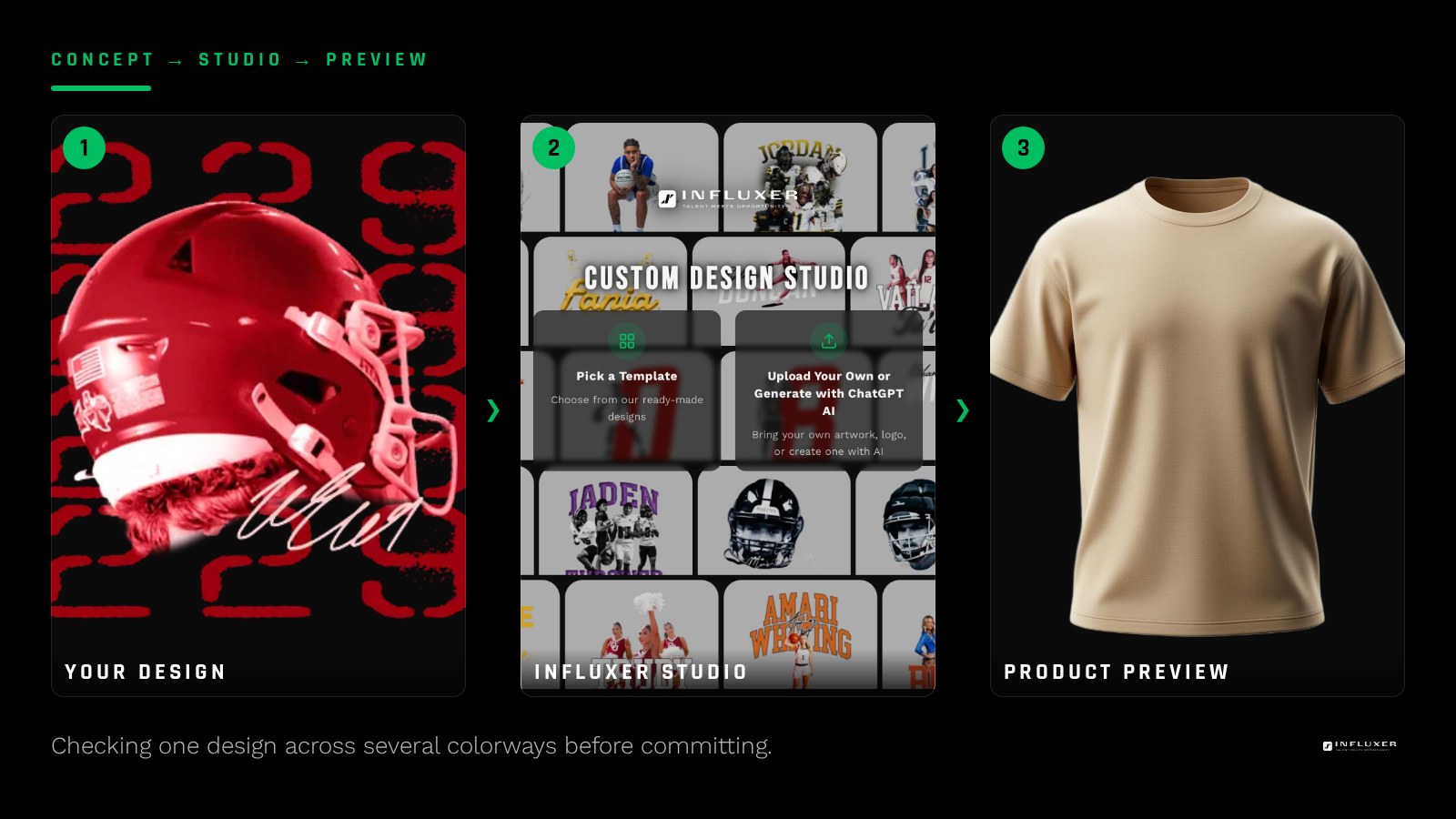
If you want one shirt in one color, either path works fine. If you are planning several colorways or a mixed drop of tees and hoodies, a ready-made design that was already tested across colors tends to hold up more predictably, since the layout was built with that range in mind.
Your own artwork can absolutely carry across colorways too, but you are the one responsible for checking that a dark logo does not disappear on a Pepper tee, or that a busy design still reads on Watermelon. The collection variant of the upload path exists exactly for this: it applies one design across multiple garments and colors so you can preview each combination before committing.
Who is going to wear it matters more than it seems
Merch for yourself gives you room to take a risk on a personal design. Merch meant for teammates, family, or a wider fan base tends to do better with something already proven to read clearly at a distance, which is exactly what a tested ready-made layout offers.
If you are the only one deciding, lean toward whichever path matches the artwork you already have. If other people are buying in, weigh a design that has already been through the process of looking good on real garments.
A hybrid option most people miss
You do not have to pick one path in isolation. Starting from a ready-made layout and adding your own logo or wordmark into it is a real option, and it solves the two most common regrets: not liking a fully custom layout you built alone, and not liking how impersonal a template feels untouched.
Decide in five questions
- Do you already have finished artwork, or would you be starting from nothing?
- Is your existing file actually print-ready, not just screen-ready?
- How much time do you have before you need to submit?
- Are you planning one shirt or a full multi-color collection?
- Is this merch for you alone, or for teammates and fans buying in?
- Would a ready-made layout plus your own logo solve both concerns at once?
- Have you previewed either option on the actual garment colors you want?
Frequently asked questions
Can I switch paths after I start?
Yes. Drafts auto-save, so if you start with your own upload and decide a ready-made layout fits better, you can back out and start the other flow without losing your Info step details in most cases. It is easier to decide up front, but switching is not a disaster.
Is one path faster than the other?
It depends entirely on whether your own artwork is already finished. A ready-made design skips the creative work, but the upload path can be just as fast if your file is already print-ready.
Can I combine my logo with a ready-made design?
Yes, this is a real hybrid approach: start from a ready-made layout and place your own logo or wordmark into it, getting a tested composition with a personal mark.
Which path is better for a team order?
Neither is automatically better, but a proven ready-made layout tends to reduce risk when many people are buying in, while your own artwork works well if the team already has a shared logo or mark.
Start your merch — Answer a few questions and get pointed to the right path for your merch.
See ready-made designs — Browse layouts already tested on real garments and colors.