Help me choose
When You Should Upload Your Own Artwork Instead
Not every project should start from a ready-made design. Here is how to tell when your own artwork is the stronger starting point.
By Influxer · Published 2026-08-16 · Updated 2026-08-16 · 5 min read
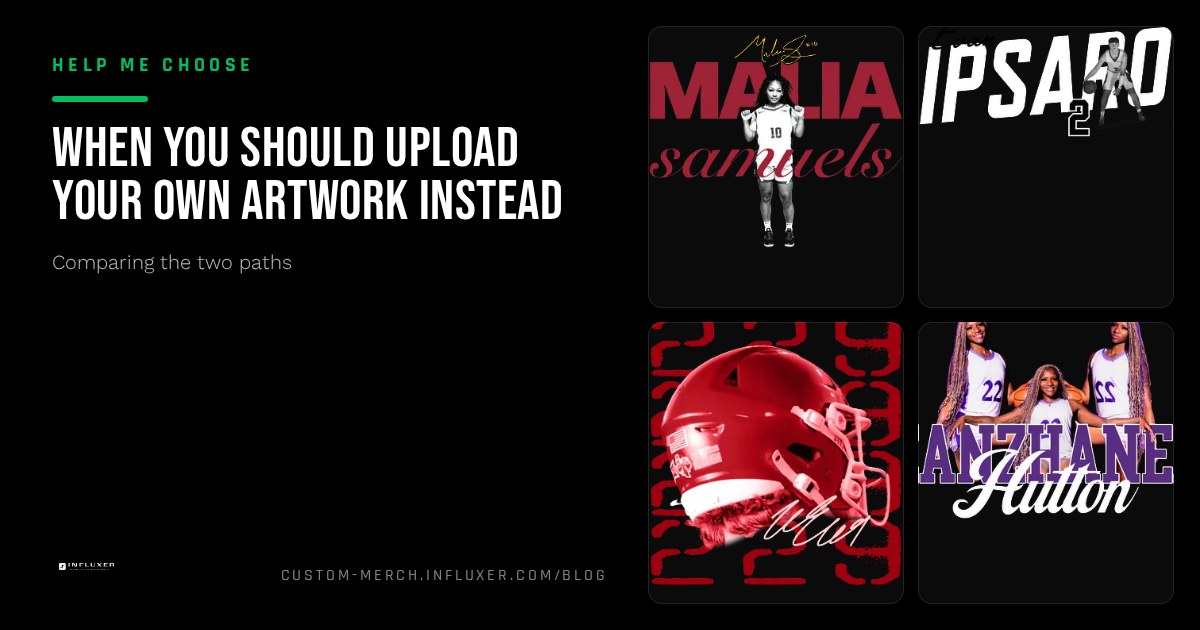
Uploading your own artwork feels like the obvious choice when you already have something to upload. But "I have a file" and "my file is the right starting point" are not the same claim. Some artwork genuinely belongs on merch as-is; other artwork is better used as a reference while you start from a ready-made layout instead.
This is not an argument that uploading is always better. It is a filter for the specific situations where it clearly wins, so you are not defaulting to it just because a file already exists on your phone.
Work through the signals below. If most of them point toward your own artwork, upload it. If they point the other way, a ready-made design will likely get you a better result with less effort.
Your mark already means something
If you have a logo, monogram, or wordmark that people already associate with you, that identity is worth more than a fresh layout someone else built. A jersey number treatment you have used on social media, a nickname graphic your teammates already recognize, or a personal wordmark you built with an AI logo helper all carry recognition a generic template cannot replicate.
This is the clearest case for uploading: the artwork is not just a design, it is a mark people already know. Losing that continuity to swap in a ready-made layout would cost you more than it saves.
The file is actually print-ready
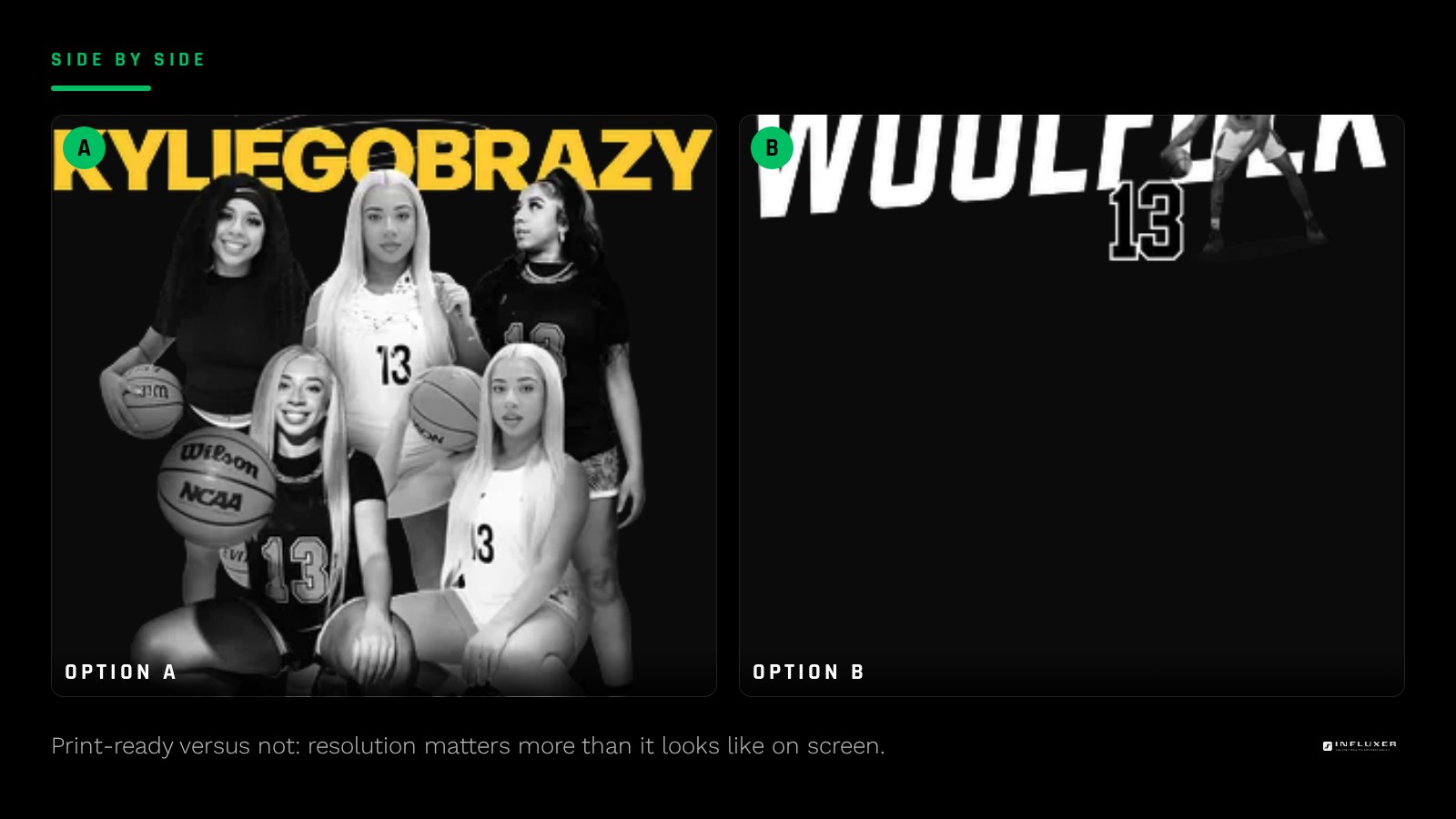
Having a logo is not the same as having a print-ready logo. Before you commit to uploading, check that the file clears the basics: high enough resolution to hold up at chest-print scale, a transparent background if the design needs one, and clean edges that will not blur or pixelate when enlarged.
A logo exported at 300 DPI for an 8-inch print, saved as a PNG or SVG, is print-ready. A logo saved from a text message or pulled off a website at 72 DPI is not, even if it looks sharp on a phone screen. If your file fails this check, fixing it first is worth the extra ten minutes; uploading it broken is worse than starting from a ready-made design instead.
- Resolution holds up at your intended print size, not just on screen.
- Background is transparent if the design needs to sit cleanly on a garment color.
- File type is PNG, JPG, PDF, or SVG, the formats the studio accepts.
- Fine detail and small text are still legible at full chest-print scale.
You need exact placement control
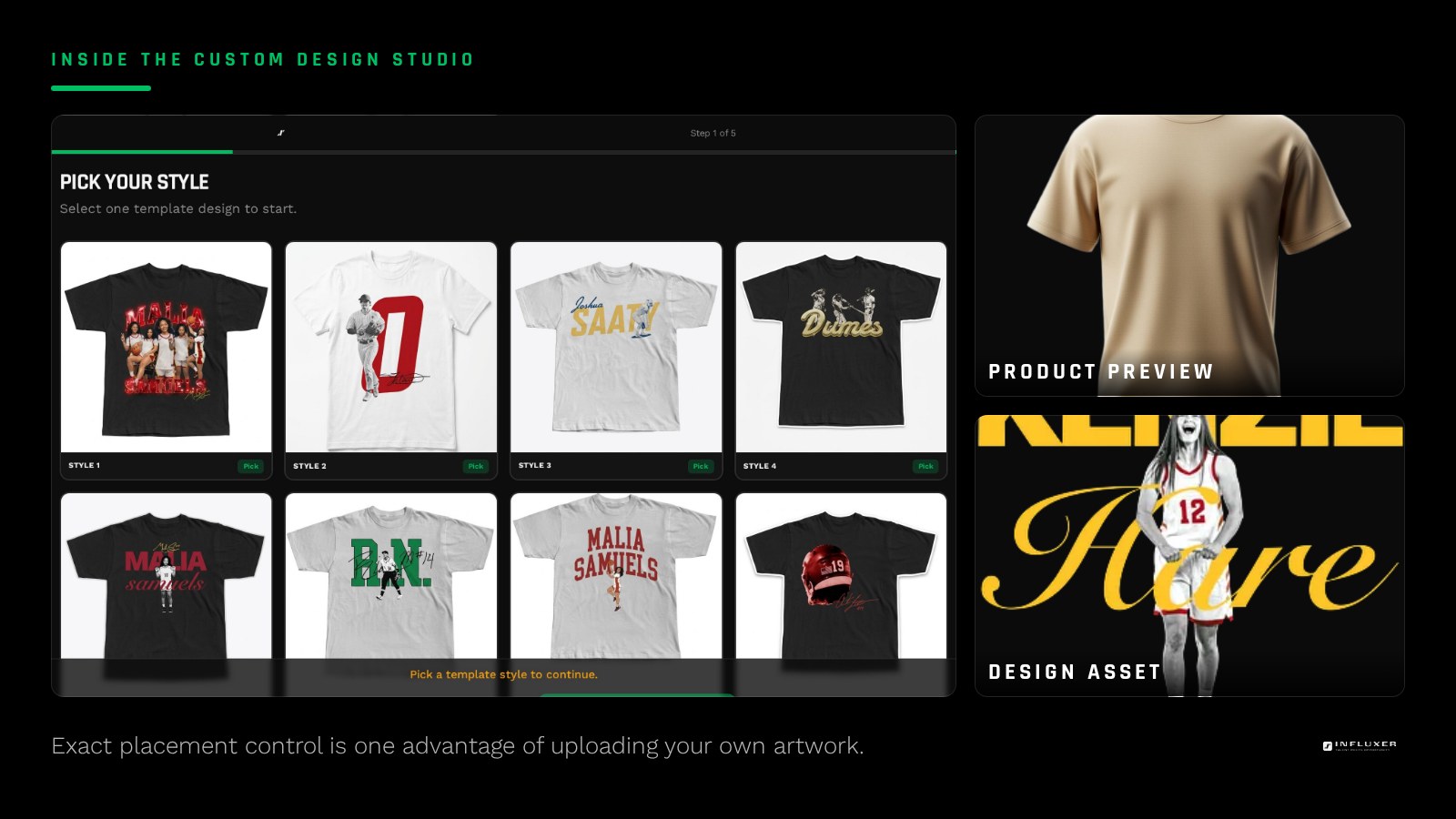
A ready-made design comes with its composition already decided: where the mark sits, how big it is relative to the garment, what surrounds it. Uploading your own artwork gives you full control over placement and scale in the Design step instead, which matters if you have a specific vision, such as a small monogram on the sleeve or a large graphic that spans most of the front.
If you do not have a strong opinion about exact placement, this advantage is less relevant to you, and a ready-made layout that has already been tested at the right scale may serve you just as well.
You are building toward a consistent personal brand
If this merch drop is one of several you plan to run, using your own artwork keeps the visual identity consistent across drops. A ready-made design might look great once, but if you switch templates every time, your merch will not build the kind of recognizable look that a repeated logo or color palette creates over a season.
When it is not the right call
Uploading your own artwork is the wrong move when the file is not actually finished, when you do not have a clear opinion about placement, or when you are ordering for a team and no one has agreed on a shared mark yet. In those cases, a ready-made design removes the guesswork rather than adding an extra step for you to get right.
It is also the wrong move if your only version of the artwork is a low-resolution image with no way to recreate it cleanly. Enlarging a blurry file does not fix it; it just makes the print look worse at scale.
A quick gut check before you upload
Ask yourself: if this exact file printed at full chest size on a Comfort Colors 1717 tee right now, would you be happy with it? If the honest answer is yes, upload it. If the honest answer involves "I would need to fix a few things first," fix those things before you upload, or consider whether a ready-made layout gets you to a finished product faster.
Signals that your own artwork is the right call
- The mark already carries recognition among teammates, fans, or followers.
- The file is high enough resolution to hold up at full chest-print size.
- The background is transparent or does not need to be for your design.
- You have a specific placement or scale in mind that a template will not offer.
- This drop is part of a longer-term, consistent personal brand.
- You have previewed the file on the actual garment mockup, not just imagined it.
- If a teammate is asking you to design for them too, everyone agrees on the mark.
Frequently asked questions
What if my logo looks fine on screen but I am not sure about print size?
Preview it on the actual garment mockup in the Design step before deciding. The studio shows your file at real print-area scale, which reveals resolution or clarity issues that are invisible at thumbnail size on a phone.
Can I clean up a rough file before uploading it?
Yes. Removing a background, resizing carefully, or exporting again at higher resolution from the original source file can turn a weak file into a usable one. Starting from the original design file rather than a screenshot makes this much easier.
Is it ever fine to upload something less than perfect?
If the imperfection is stylistic, like a slightly rough hand-drawn look, that can be fine. If the imperfection is technical, like low resolution or a visible background box, it will show up clearly in print and is worth fixing first.
Start your merch — Answer a few questions and get pointed to the right path for your artwork.
Upload your artwork — Bring your file and preview it on real garment mockups right away.