Help me choose
The Hybrid Move: A Ready-Made Layout Plus Your Own Logo
You do not always have to choose one path in isolation. Here is how a ready-made layout and your own logo can work together, and where that combination has limits.
By Influxer · Published 2026-08-16 · Updated 2026-08-16 · 4 min read
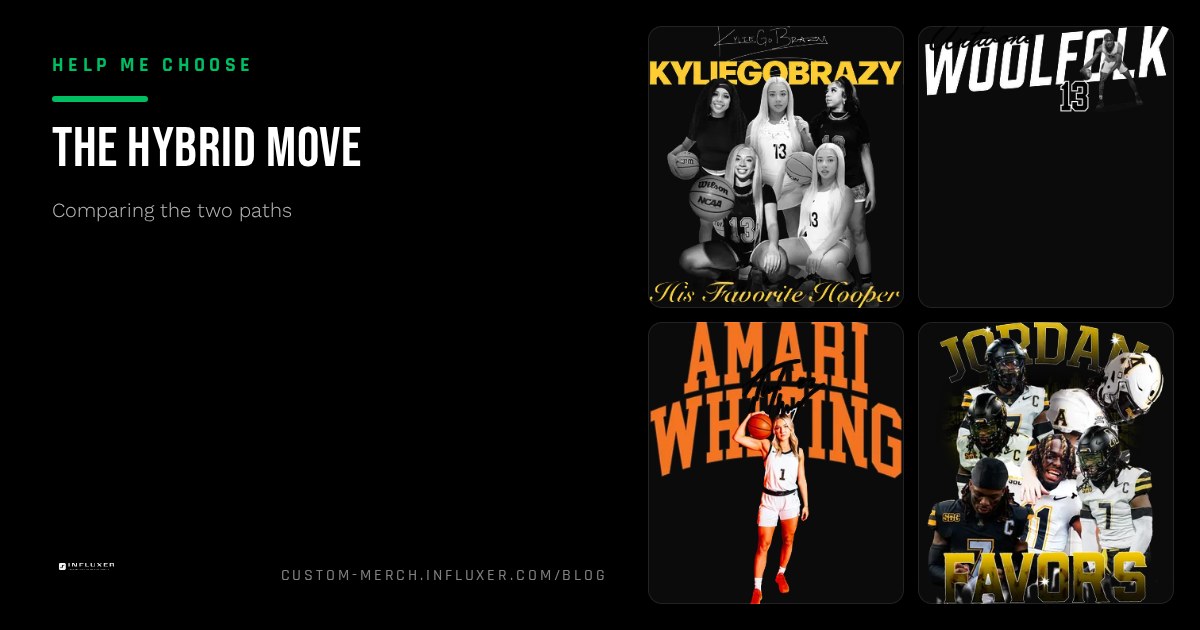
The upload-versus-template decision is usually framed as an either-or, but the two most common regrets after a merch order come from picking too hard in one direction: a fully custom design that looks less finished than expected, or a ready-made layout that feels generic without any personal mark on it.
The middle move is starting from a ready-made design and placing your own logo, monogram, or wordmark into it during the Design step. It is worth understanding clearly, because it solves real problems for some athletes and does nothing for others, depending on what "your own logo" actually is.
This only works within a single submission path in the studio: you are still working inside one flow with your placed artwork, not merging two separate order types. Here is what it actually gets you, and where it runs into limits.
What this actually looks like
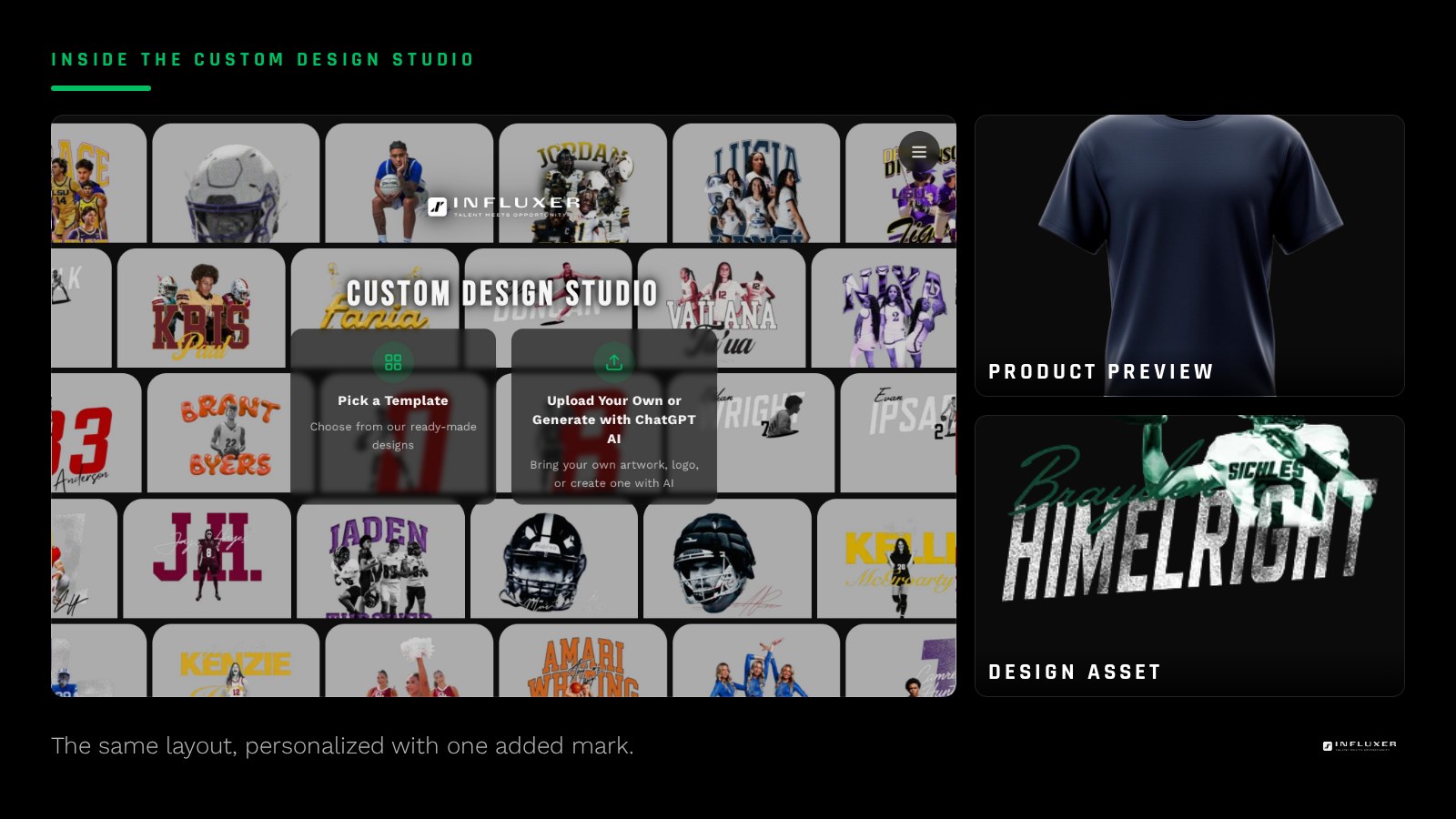
You pick a ready-made design as a starting point, then during the Design step you add your own logo, jersey number mark, or wordmark onto the same garment layout, adjusting its placement and scale so it sits alongside or in place of part of the existing composition.
This is meaningfully different from uploading your own artwork from scratch, because the base composition, color relationships, and garment fit were already worked out by someone who tested the layout before you got there.
What it solves
The biggest thing it solves is the "blank page" problem. Many athletes have a logo or mark but no real sense of how to build a full composition around it: how big to make it, where it should sit, what else should be on the shirt. Starting from a proven layout removes that guesswork while still letting your identity show up on the final product.
It also solves the opposite problem: a ready-made design that looks like it could belong to anyone. Adding your own number, initials, or wordmark into an already-strong layout makes the final shirt feel specific to you rather than generic.
- You keep a tested, proven composition instead of designing from zero.
- Your personal mark still appears on the final product.
- Less risk of an unbalanced layout than building entirely from scratch.
- Faster than developing a full custom composition around your logo yourself.
What it does not solve
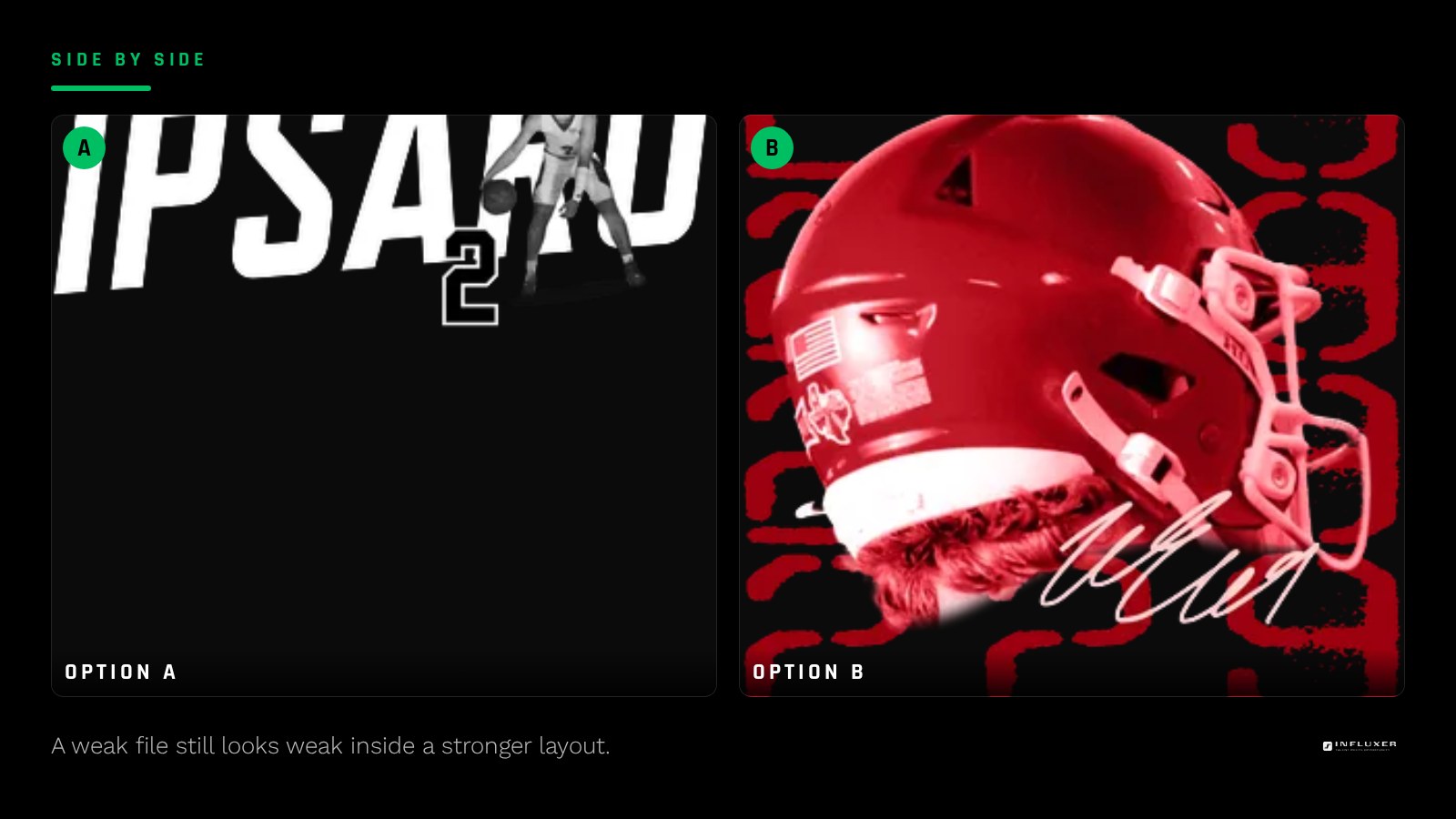
This approach does not turn a rough or low-quality logo into a clean one. If your file is not print-ready, dropping it into a nicer layout will not fix the resolution, background, or clarity problems it already has. Fix the file first, regardless of which path you take.
It also does not give you the same creative freedom as a fully custom upload. You are working inside a composition someone else built, so if you have a strong, specific vision for exactly how a design should be laid out, this hybrid move will feel restrictive rather than helpful.
When this is the strongest option
This works best when you have a clean, simple mark, like a monogram, a number, or a short wordmark, and you want it represented well without spending time designing a full layout around it yourself. It also works well for athletes ordering for the first time who are not confident about composition but do have a real logo worth using.
When to skip it and go one direction instead
If you have a fully developed brand with a specific color palette, font pairing, and layout style already established, building entirely from your own upload will represent that identity more accurately than fitting it into someone else's composition. And if you genuinely have no artwork at all, a straight ready-made design without the extra step of adding a mark is simpler and just as effective.
A practical way to test it before committing
Because the Influxer studio previews everything on the real garment mockup as you build it, you can try placing your logo into a ready-made layout and see immediately whether it reads well together. If it looks crowded, mismatched in style, or like an afterthought, that is a clear signal to switch to a full upload or a plain template instead. Drafts auto-save, so testing this costs you nothing but a few minutes.
Before you combine a layout with your own logo
- Confirm your logo file is already print-ready, not just a phone screenshot.
- Pick a ready-made layout that leaves clear room for an added mark.
- Preview the combination on the actual garment mockup, not in your head.
- Check that your logo's style does not clash with the layout's existing look.
- Decide if your mark should replace part of the layout or sit alongside it.
- Compare the combined result against a fully custom upload before finalizing.
Frequently asked questions
Does adding my logo to a template count as a custom design?
It results in a design that is uniquely yours in the final composition, since your mark is placed onto the garment, but the underlying layout structure was built ahead of time rather than created from scratch for you.
Will this fix a low-quality logo file?
No. The quality of your logo file matters exactly as much here as it would in a full upload. A blurry or low-resolution mark will still look blurry inside a nicer layout.
Is this more expensive or slower than picking one path?
It uses the same studio flow either way, so it is not a separate process. It may take a few extra minutes to test placement, but it does not require a different order type.
Start your merch — Test a ready-made layout with your own logo before you commit to a direction.
Browse ready-made designs — Find a layout with room for your own mark.