Help me choose
Which Merch Path Is Right for You? A Short Decision Guide
A short set of questions that gets you to a decision faster than a full comparison, built around what you already have on hand.
By Influxer · Published 2026-08-16 · Updated 2026-08-16 · 4 min read
Some people need the full comparison of upload versus ready-made. Others just want to know which button to click. If you are in the second group, this is built for you: a small set of questions that gets you to a path in a few minutes.
None of these questions are trick questions. They map directly to what actually changes between the two paths in the Influxer Custom Design Studio: how much artwork you bring, how much time you have, and how many people are involved.
Question one: do you have a finished logo or design already?
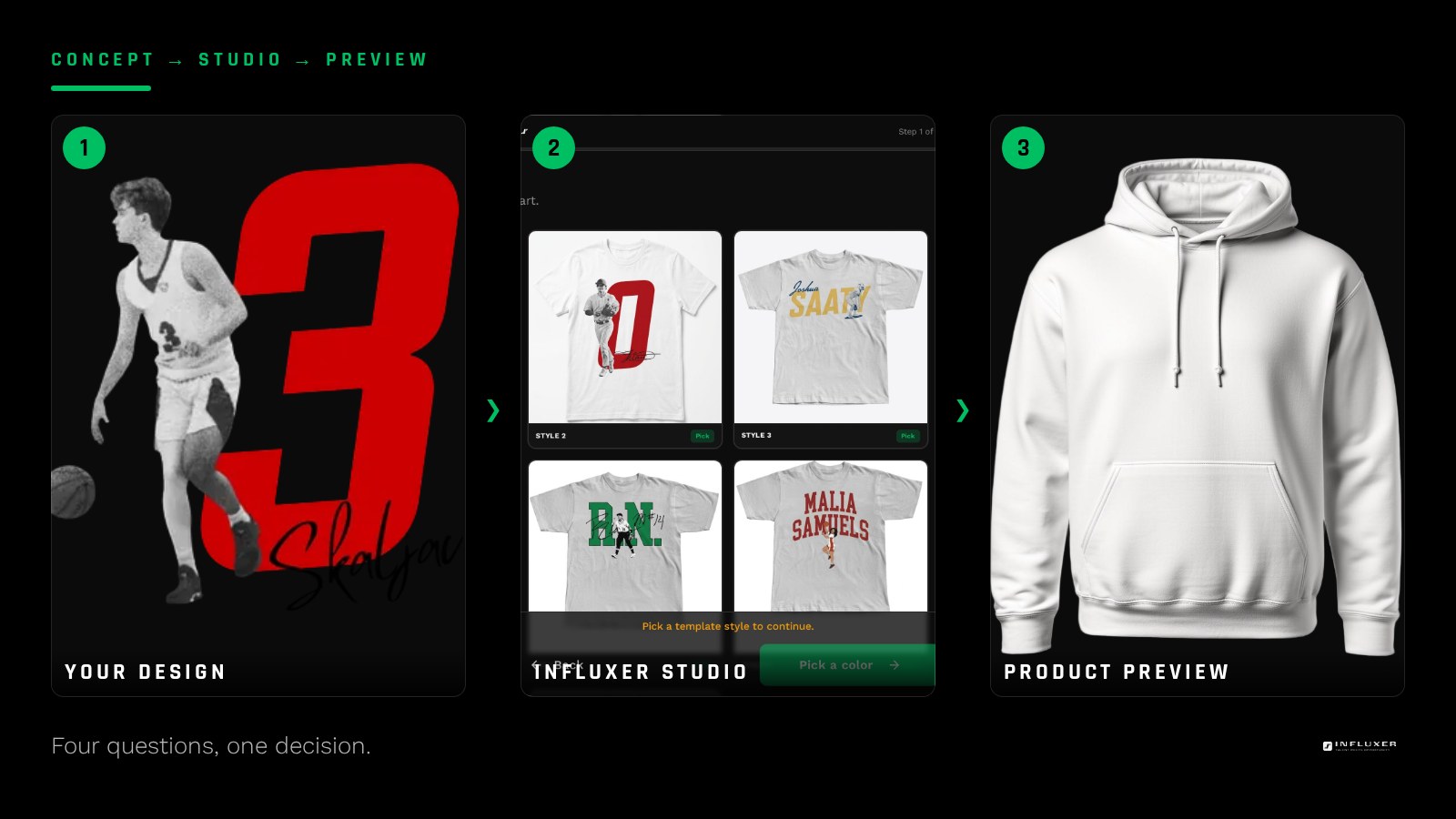
If yes, and it is genuinely finished, not a sketch or an idea, uploading it is usually the direct route. The studio drops your file straight into the Design step and previews it on the garment right away.
If no, or if what you have is rough, a ready-made design skips the part where you would need to build or fix artwork before you can even start placing it.
Question two: is your file actually print-ready?
Having a logo is not the same as having a print-ready logo. If your only version is a screenshot, a small web export, or a JPG with a white box around it, treat that as "no" on question one, since it needs work before it prints cleanly.
A quick check: zoom the file to full size on your screen. If the edges look soft or pixelated already, they will look worse at chest-print scale.
Question three: how much time do you actually have?
A ready-made design removes the step of sourcing or fixing artwork, which is often where the most time disappears. If you are working against a real deadline and do not already have a finished file, that alone can decide it.
If you have time to spare and want your own mark represented exactly, uploading gives you that control without a rush.
Question four: is this for you, or for a group?
Solo merch gives you room to take a chance on your own design. Merch for teammates, family, or fans buying in tends to do better starting from a layout already proven to read well on garments.
If a group is involved and you also have a logo, consider the hybrid: a ready-made layout with your own mark placed into it.
- Just you, own logo ready: upload it.
- Just you, no logo ready: start from a template.
- Group order, logo ready: consider template plus your logo.
- Group order, no logo: start from a template.
What to do if you land on both answers
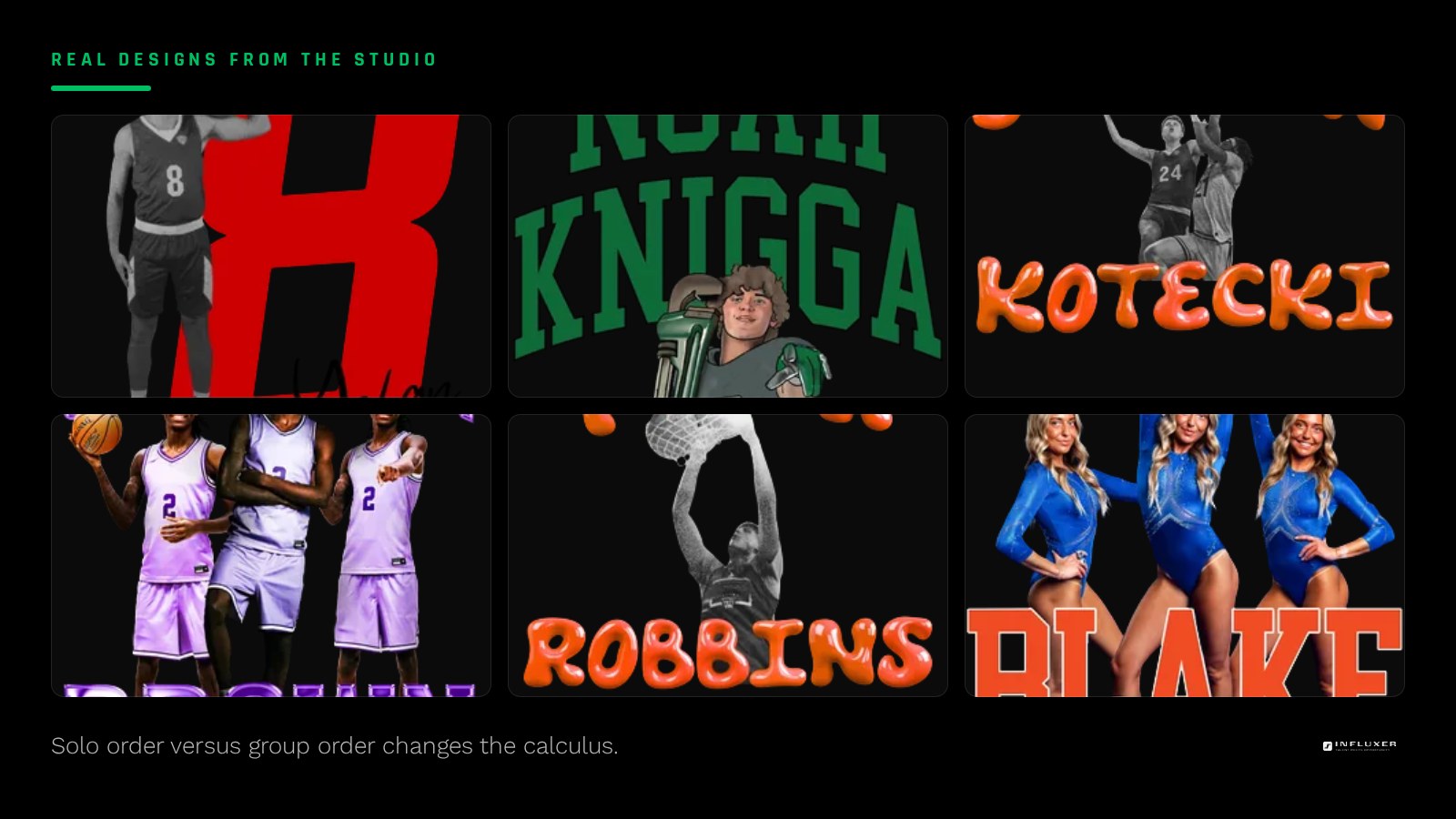
It is common to have a logo but also like a particular ready-made layout better than anything you would build yourself. That is exactly the case the hybrid approach covers: keep the tested composition, swap in your own mark.
If you are still torn, remember that nothing locks in until Review. Starting one way and adjusting after seeing the mockup is completely normal.
What does not need to factor in
Do not let indecision about garment color or exact wording hold up your path choice. Colors and copy can change within either path after you have started. The path decision is really about the source of the artwork, not the finished look.
Garment type is a separate decision from path. Whether you end up on a tee, a hoodie, or both, that choice sits inside either path and does not push you toward one over the other. Settle the artwork source first, then work out garment and color once you can see the preview.
A worked example
Say you have a stacked wordmark and number you built for your own social pages, saved as a decent-sized PNG. You have about a week before you need something to show teammates, and it is just you buying in for now. That is a clear "upload it" case: the file exists, it is close to print-ready, and you have time to fix any rough edges before you submit.
Now say the opposite: no logo, a deadline in two days, and six teammates who all want to order the same design. That points straight at a ready-made layout, since there is no time to build and test artwork from nothing, and a proven layout reduces the risk of a design that does not read well once six people are wearing it.
Your four-question path check
- Confirm whether you have a logo or design file at all.
- Zoom that file to 100 percent and check if the edges are clean.
- Write down how many days you actually have before you need this done.
- Decide if this order is for you alone or for a group.
- If you have a logo and like a specific layout, consider the hybrid option.
- Preview whichever path you pick on the real garment before deciding further.
Frequently asked questions
What if I am still unsure after these questions?
Start the path that matches more of your "yes" answers and use the studio preview to confirm. You are not locked in until you reach Review, so trying a path costs you little time.
Does a ready-made design mean less quality?
No. Ready-made layouts are built to work at real print scale on real garments, the same standard your own upload is held to. The difference is who did the original composition work.
Can I ask someone at Influxer which path fits my situation?
The Design step and the Review step both give you a chance to see exactly how your choice looks before it goes further, which answers most of the "will this work" questions on your own.
Start your merch — Work through a few quick questions and get pointed to the right path.
Upload your artwork — If you already have a finished design, start here directly.