Help me choose
How Your Athlete Info Is Used in a Merch Order
The Info step asks for real details for real reasons. Here is exactly what gets collected and why each field matters.
By Influxer · Published 2026-08-16 · Updated 2026-08-16 · 5 min read
By the time you reach the fourth step of the Influxer Custom Design Studio, called Info, you have already built a design, added a photo, and possibly signed it. The Info step is where the order stops being just a visual and starts becoming something that can actually be produced and reviewed by a person.
A lot of athletes pause here because it is the first point in the flow that asks for personal details rather than creative choices. This article breaks down exactly what gets asked for at this step, why each piece matters, and how it connects to the Review step that follows.
Nothing here changes your design. The garment, colors, and placement you already picked stay exactly as previewed. Info is strictly about attaching your identity and contact details to that finished design.
What the Info step actually asks for
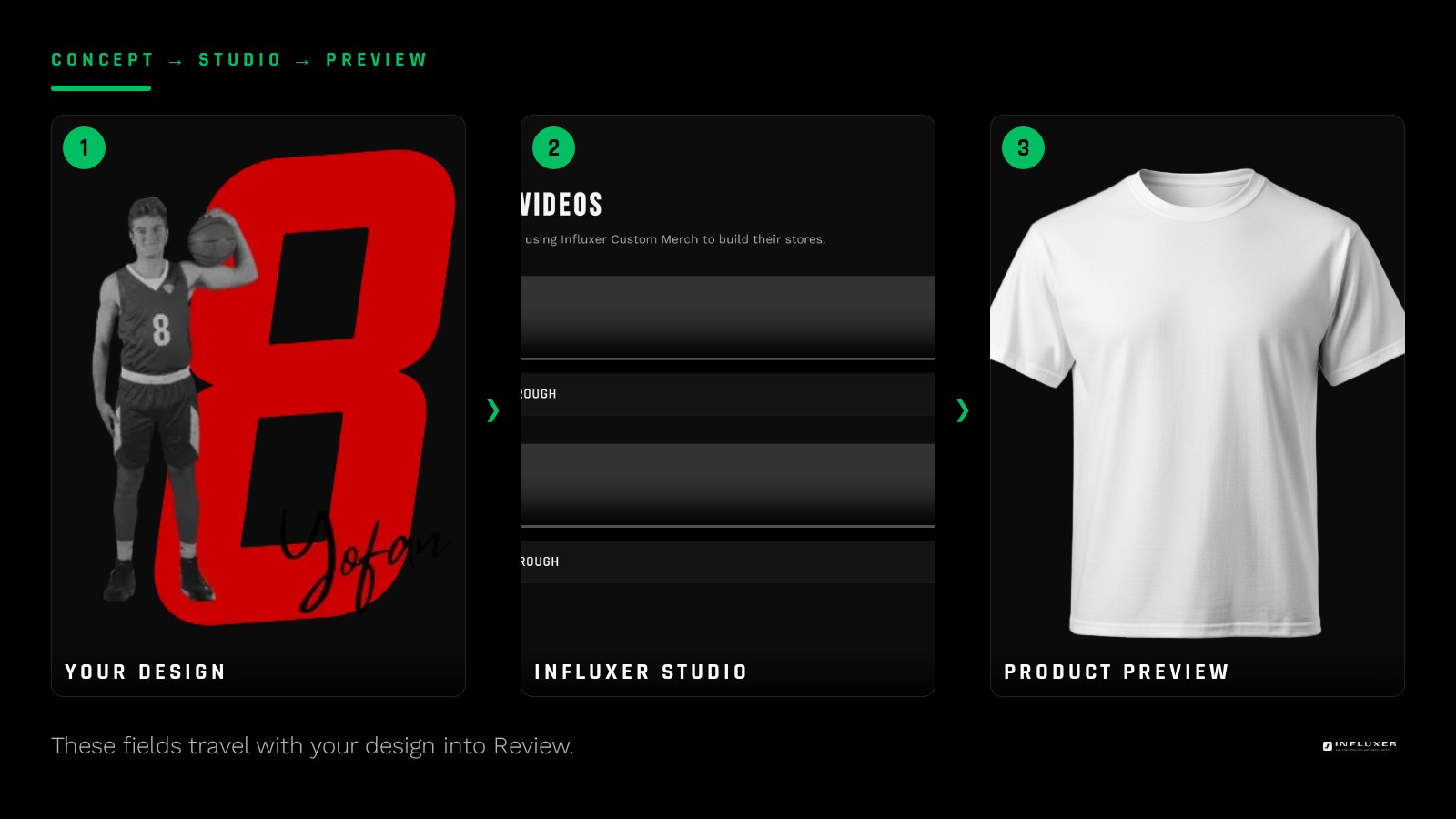
The core fields are your name, contact information, and specifics like your school or sport. These are the same details that let a real person on the Review side confirm who the order belongs to and reach you if something needs clarifying before production.
You are not asked for anything about payment or shipping logistics at this stage. Those live elsewhere in the process. Info is focused narrowly on identity and contact, which keeps the step short.
- Your name, as you want it associated with the order.
- A working email or phone number for follow-up.
- Your school or team, if relevant to the design.
- Your sport, since it can affect what the design references.
Why contact details actually get used
Your contact info is what makes the Review step meaningful. If something in your design, photo, or details needs a quick check, the reviewer needs a real way to reach you rather than guessing at your intent.
This is also the same information used if you choose the account lookup instead of entering everything manually, as covered in our piece on whether an account is required at all. Either route, the underlying use of your contact details is identical.
Why school and sport fields matter for the design
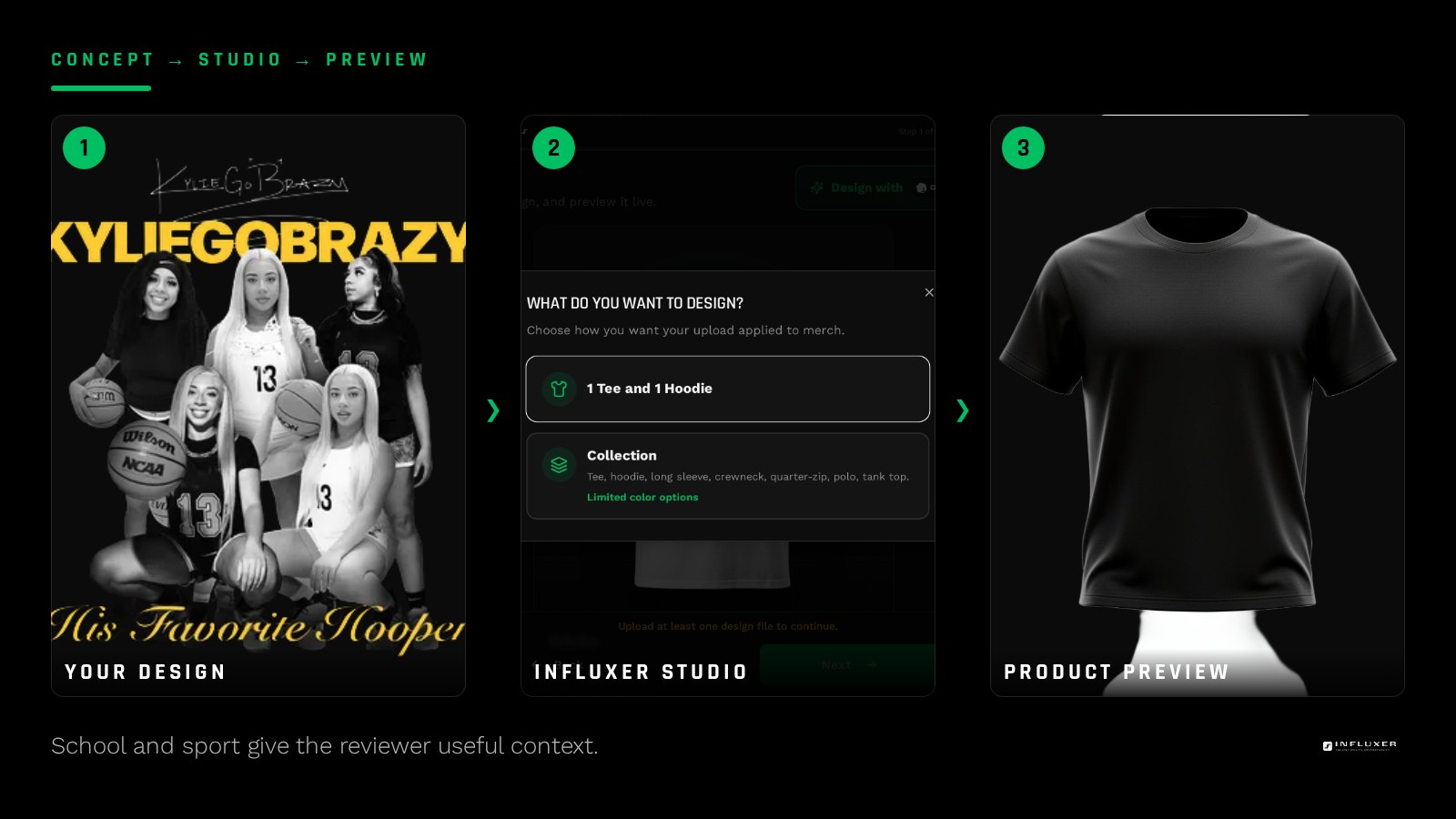
School and sport are not just labels. They can affect what content the reviewer expects to see on the design, especially around any school marks or references, which is a sensitive area covered separately in our school logos guide.
Filling these in accurately helps the review move faster because the reviewer already has context instead of having to ask.
How this connects to the submission limit
Athletes can submit up to three submissions per email address, not counting drafts that were never finished. That limit is tied to the email you provide at Info, which is another reason it needs to be accurate and actually yours.
Drafts you start and abandon do not count against that limit, so there is no penalty for experimenting with a design before you commit to submitting it.
What happens to your info after Review
Once you submit, your Info details travel with the design and photo into the Review queue. A human reviewer checks the whole package together: design, photo, optional signature, and your details, before anything moves toward production.
If anything about the collaborator agreement or submission needs your confirmation, that happens through the same contact details you entered here, which is why accuracy at this step saves back-and-forth later.
Fixing a mistake after you have moved on
If you realize you typed something wrong after Info, you are not stuck. Because drafts auto-save and can be resumed from a link, you can go back into your order and correct a detail before you actually submit at Review.
Keep that resume link somewhere you will actually find it again, like a note on your phone or a saved message to yourself. A lot of the friction athletes run into with the Info step is not the fields themselves, it is losing track of where their draft lives after they step away from it for a day or two.
Why the studio asks for this instead of guessing
It would be technically possible to skip the Info step entirely and just attach a generic label to every order, but that would make the Review step far less useful. A reviewer looking at a design with a real name, sport, and school attached can catch a spelling issue or a placement problem specific to that context, something a generic order label could never surface.
The Info step also protects you. If your contact details are accurate, you are the one who gets asked before anything questionable moves forward, rather than a reviewer having to guess at your intent or move ahead without your input.
How Info differs for a team versus a personal order
A personal order tied to one athlete only needs that one person's details. A team-wide order run through the same studio flow may ask a coordinating adult to enter contact information on behalf of the group, while individual athletes still confirm their own name and sizing separately. Either way, the underlying purpose is the same: someone real and reachable is attached to the order before it moves to production.
Before you fill out Info
- Use a name you want attached to the final order.
- Double-check the email or phone number is one you actually check.
- Confirm your school and sport are accurate, not guesses you plan to fix later.
- Remember drafts do not count toward your submission limit.
- Know that up to three real submissions per email are allowed.
- Save your resume link in case you need to fix a detail later.
Frequently asked questions
Does the Info step change my design?
No. Info only collects your identity and contact details. The design, garment, and placement you already built stay exactly as previewed.
Can I correct my info after submitting?
Once submitted, reach out through the contact details you provided. Before submitting, you can resume your draft from your saved link and edit any field.
Does my school or sport affect what I can design?
It gives the reviewer context, particularly around any school-related marks. It does not restrict your creative choices in the Design step itself.
How does the three-submission limit work?
You can have up to three actual submissions tied to one email address. Drafts that are never submitted do not count toward that total.
Start your merch — Answer a few questions and get pointed to the right path for your merch.
Upload your own design — Bring a finished logo or graphic and place it yourself.