Help me choose
What the Review Step Actually Checks Before Production
Review is the final step before submission, not a rubber stamp. Here is exactly what gets checked before your order moves forward.
By Influxer · Published 2026-08-16 · Updated 2026-08-16 · 4 min read
Review is the fifth and final step of the Influxer Custom Design Studio flow, after Design, Photo, Signature, and Info. It is easy to assume this is just a formality screen you click through, but it is where your whole order gets assembled into one summary and where a real check happens before anything moves forward.
This article walks through what actually shows up on the Review screen, what the collaborator agreement popup is and why it appears, and what happens right after you submit.
Knowing what Review checks ahead of time means fewer surprises. You can look at your own order the same way a reviewer will, catch anything off, and fix it before you submit rather than after.
The order summary you see first
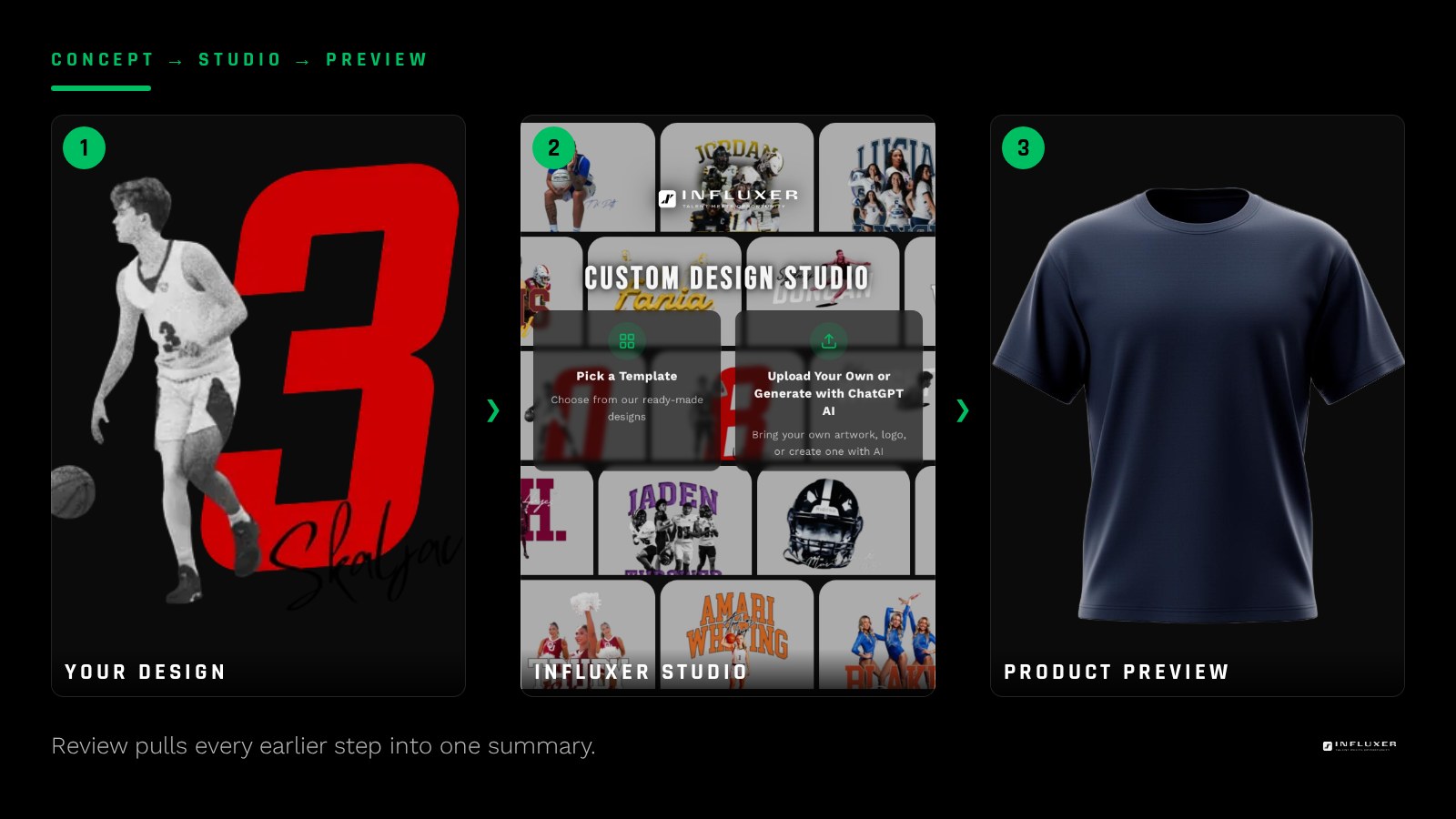
When you land on Review, you see a summary that pulls together everything from the earlier steps: your finished design on the garment mockup, the photo you added, your signature if you included one, and the details you entered at Info.
This is your last chance to look at the whole package together rather than one step at a time. Because each earlier step showed you a live preview, nothing here should look different, but seeing it all at once often catches small things, like a placement that looked fine alone but reads oddly next to your photo.
What a human reviewer is actually looking for
A person checks the assembled order before it proceeds toward production. They are confirming the design is complete and coherent, the photo is usable, and the details you entered at Info make sense together with the design itself.
This is not an automated pass. Having a person look at the full package is what catches issues an automated check would miss, like a design that technically uploaded fine but is missing something the athlete clearly intended to include.
- Is the design complete, not a half-finished or unfinished version?
- Does the photo match the intent of the order?
- Do the Info details make sense with the design content?
- Is anything obviously missing, like a signature the athlete meant to add?
The collaborator agreement popup
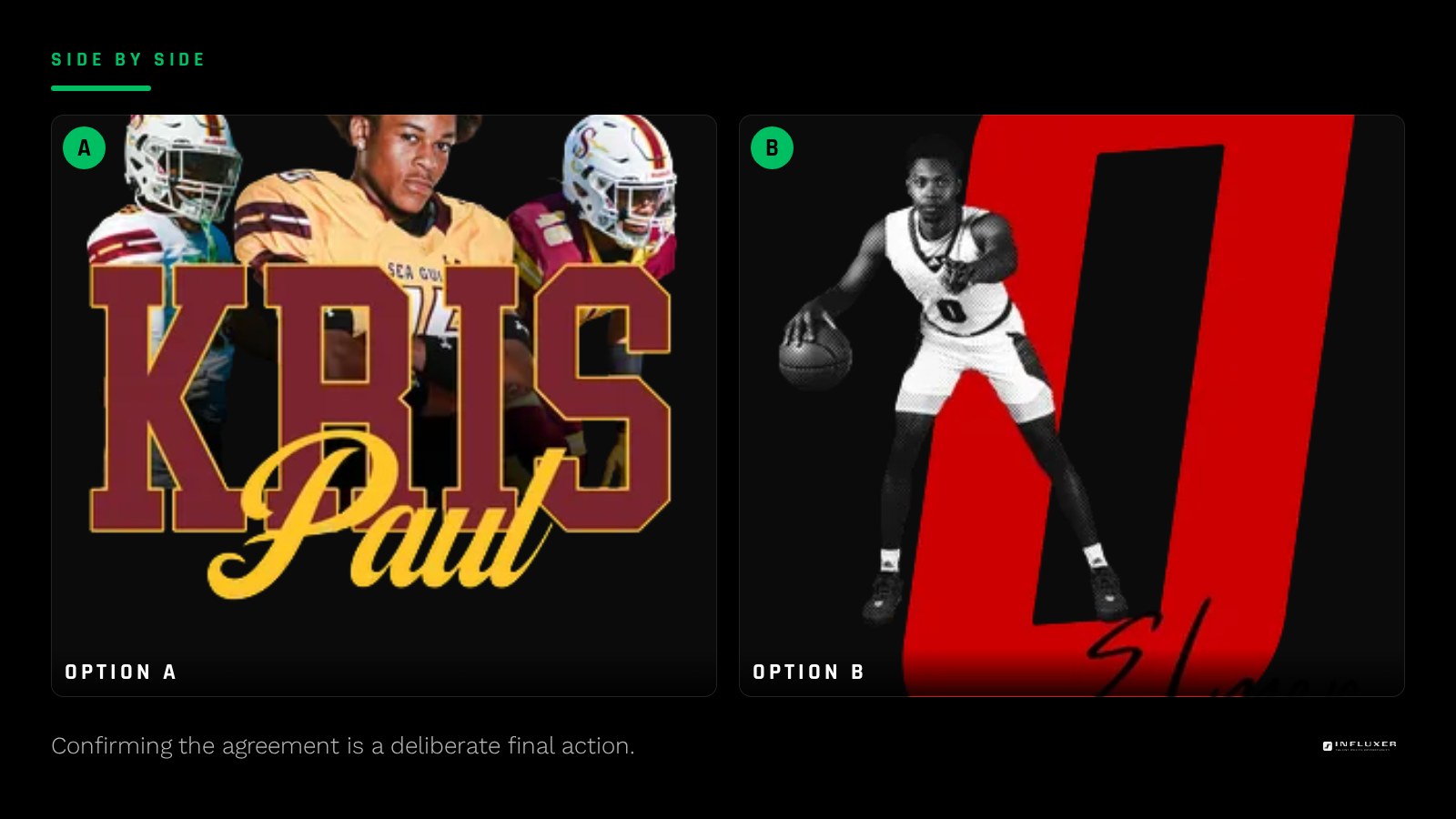
Before your order is fully submitted at Review, a collaborator agreement popup appears. This is a distinct step within Review itself, separate from the order summary, and it needs your direct confirmation before the submission goes through.
It exists so that submitting an order is a clear, deliberate action rather than something that happens by accident while you are still deciding. You will see it every time you actually submit, not just once per account.
The signature step is optional, and Review knows it
If you skipped the Signature step earlier in the flow, Review does not treat that as an error. Signature is genuinely optional, so an order without one is a complete, valid submission, not a partial one.
If you meant to include a signature and forgot, this is the moment to notice it, since the summary will simply show no signature rather than flagging it as missing.
What happens right after you submit
Once you confirm the collaborator agreement and submit, your order moves into the review queue for a person to check it against the criteria above. You are not left wondering whether anything happened; the submission is recorded and tied to the contact details you gave at Info.
If anything needs a follow-up, that outreach happens through the contact info you entered, which is one more reason it pays to double-check that field before you get to Review.
Fixing something before you get to the popup
If the summary on Review shows something you want to change, you are not locked in. Because your draft auto-saves, you can go back to an earlier step, adjust it, and return to Review before you confirm the collaborator agreement.
What to look at closely before you confirm
Spend a moment on the specifics that are easy to skim past: the spelling of any name, the exact number if your sport uses one, and whether the garment and color shown match what you actually intended to order. These are the details a reviewer is checking too, so catching them yourself first means fewer back-and-forth messages before your order can move forward.
It also helps to zoom in on the mockup itself rather than trusting the thumbnail. A design that looks fine small can reveal a placement issue or a cropped edge once you look at it closer, and that is exactly the kind of thing worth fixing before you submit rather than after.
Before you confirm at Review
- Look at your design, photo, and signature together, not just individually.
- Confirm your Info details actually match your design content.
- Decide if you meant to skip Signature or forgot it.
- Read the collaborator agreement popup before confirming.
- Check your contact details one more time for accuracy.
- Go back to an earlier step if anything in the summary looks off.
Frequently asked questions
Is Review a human check or an automated one?
A person checks the assembled order, looking at your design, photo, and details together before it proceeds toward production.
What is the collaborator agreement popup?
It is a confirmation step within Review that appears before your order is actually submitted, making sure submission is a deliberate action.
Will Review flag a missing signature as an error?
No. The Signature step is optional, so an order without one is complete and valid, not treated as incomplete.
Can I still make changes once I reach Review?
Yes, as long as you have not confirmed the collaborator agreement. Your draft auto-saves, so you can return to an earlier step and adjust it.
Start your merch — Answer a few questions and get pointed to the right path for your merch.
See ready-made designs — Browse layouts already tested on real garments and colors.