Help me choose
Do You Need an Account to Order Custom Merch?
The short answer is no. Here is how the account lookup, signup link, and manual entry options actually work at the Info step.
By Influxer · Published 2026-08-16 · Updated 2026-08-16 · 4 min read
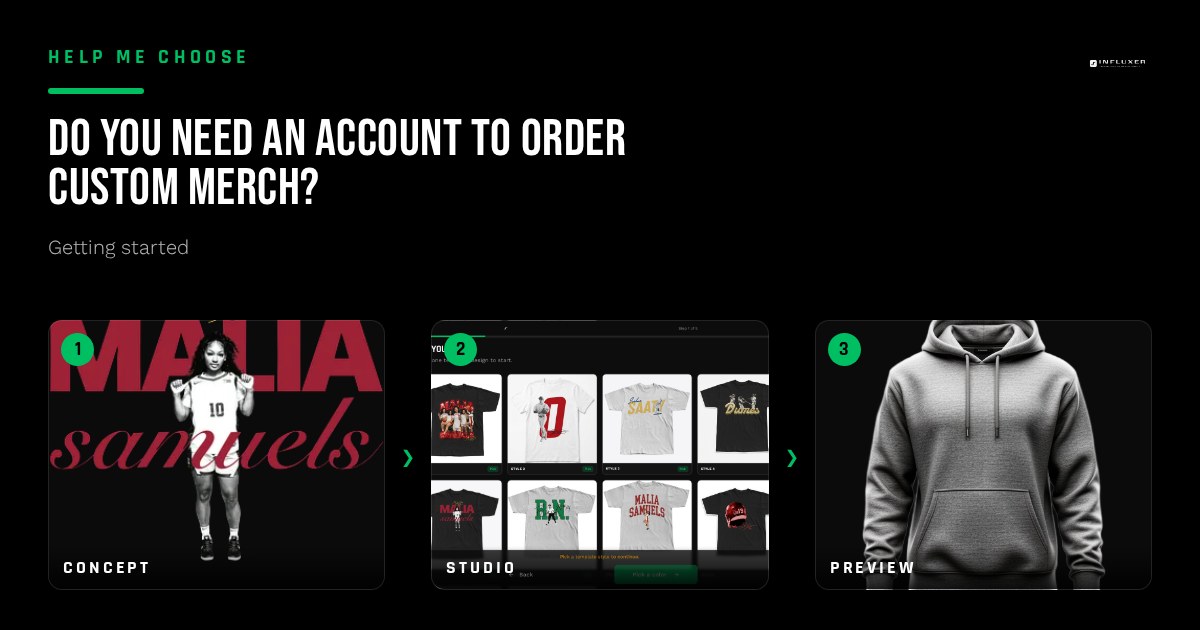
This is a common hesitation point for many athletes: people assume they need to create a full account before they can even preview a design or start a draft. The short answer is no. You can move through the Design, Photo, and Signature steps without an account existing anywhere in the system.
The account question only comes up at the Info step, the fourth stage of the five-step studio flow. Even there, it is presented as a choice among three clear options rather than a mandatory signup form. This article breaks down what each option actually does so you can decide which fits your specific situation.
None of this changes what you can build or preview in the studio. Account status affects how your contact details are matched, not whether you can design something and see it rendered on a real garment mockup.
Understanding these options helps you move faster. If you are ordering a one-off gift or just testing an idea, you might skip the profile. If you are building a brand for a full season drop, an account becomes a central hub. Here is how to navigate that choice.
The three options at the Info step
When you reach the Info step, you are offered three distinct routes: look up an existing Influxer account, get a signup link to create a new one, or continue manually by entering your details directly. All three lead to the exact same next step, which is the final Review.
None of the three is presented as the default or the "correct" choice. Which one makes sense for you depends entirely on whether you already use Influxer for something else, like team fan pages, or whether this specific order is intended to be a one-time thing.
- Have an existing account: use the lookup to match your submission instantly.
- Want one for the future: use the signup link to open account creation separately.
- Neither applies: continue manually and enter your info field by field.
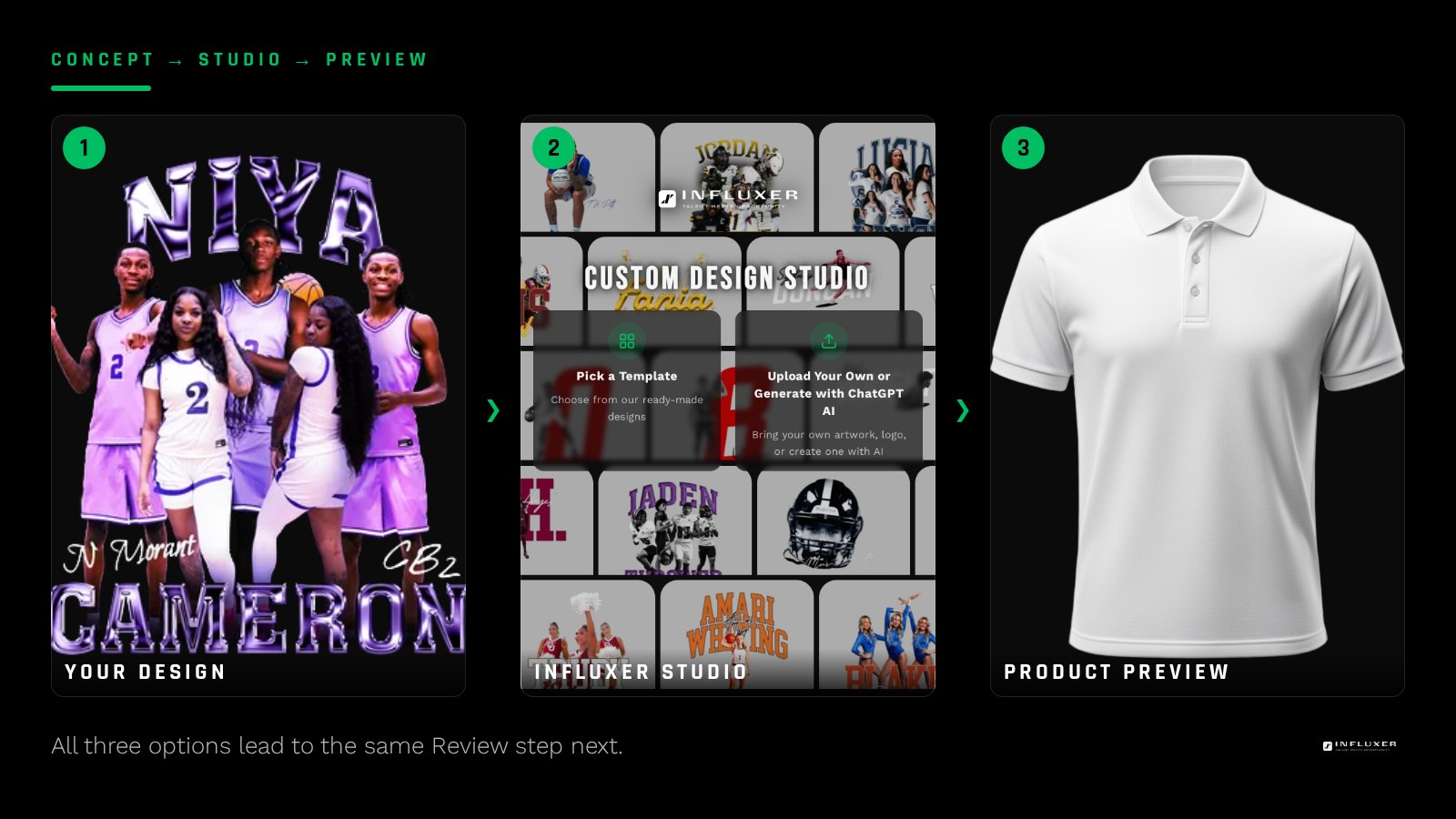
What the lookup actually does
The lookup tool checks whether your provided details match an existing Influxer account record and connects your current order draft to it. This is useful if you already have a presence on the platform and want your merch order tied to the same identity rather than treated as a fresh entry.
This matching process ensures that when your merch is ready to take live, it is associated with the correct athlete profile. If the lookup does not find a match, you can simply continue with a manual entry from that same screen instead of being forced into a loop.
What the signup link does, and does not do
Choosing the signup option opens the account creation process as its own distinct step. It does not block your order from continuing; it is offered as a path if you decide mid-order that you want an account going forward.
Having an account allows you to track multiple designs and manage future drops more easily. However, if you start the signup process and change your mind, you can return to your merch draft and complete the submission manually instead.
The manual path: no account required
The manual option is straightforward: you enter your name, contact details, and specifics like your school or sport directly. Your submission then proceeds to the Review step without any account ever existing in the database.
This is the fastest route if you just want to complete one order without building a broader profile. A manual submission is not treated as second-class. It goes through the same human Review process and the same production path as a submission linked to a full account.
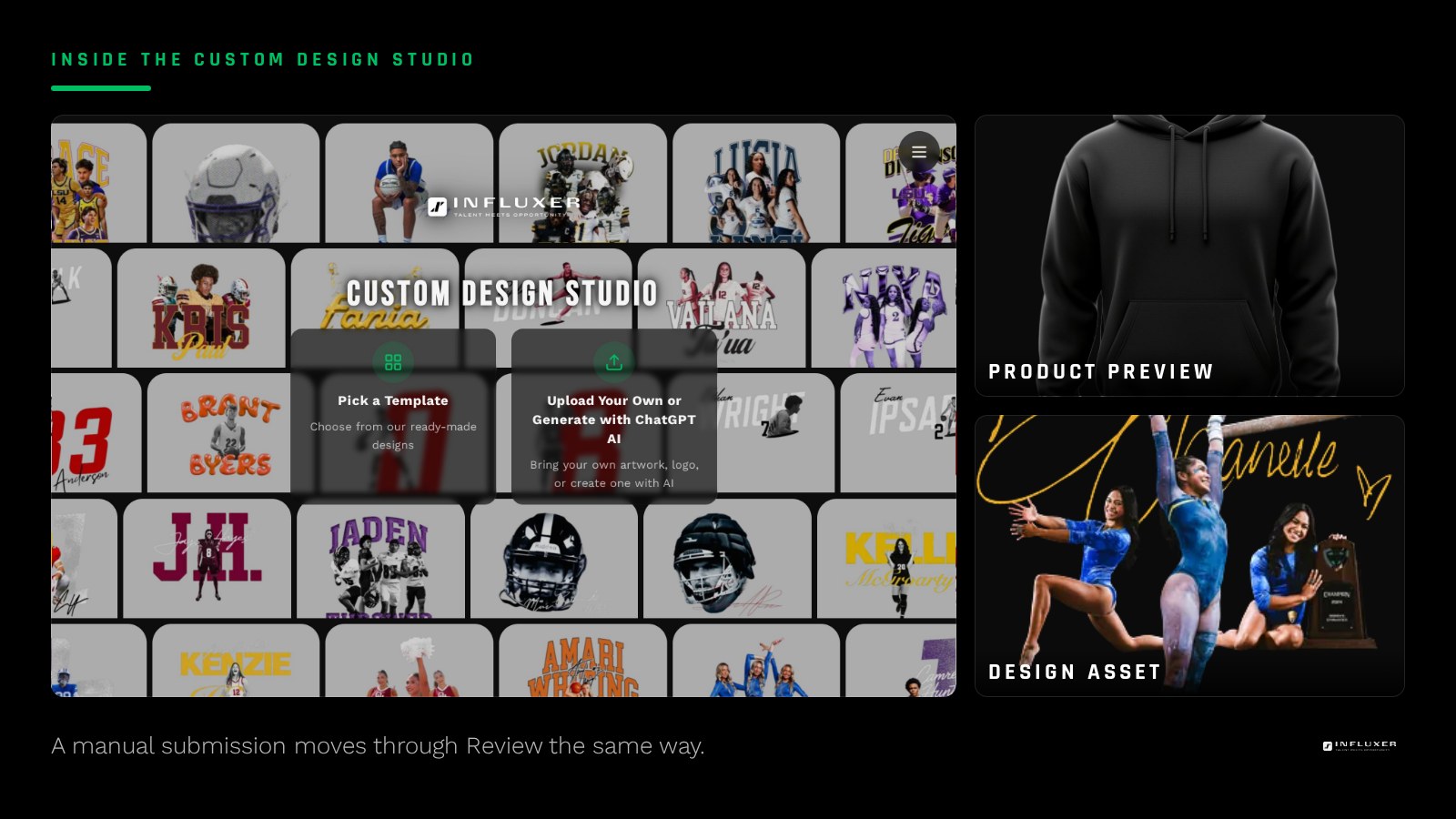
Why this matters for undecided first-timers
Knowing account creation is optional removes a real obstacle, especially for a one-off drop or someone ordering merch for a teammate. It also means you can experiment without commitment.
You can start a draft manually, see your design on a real mockup, and only decide about an account later if you want to repeat the process. The studio ensures the technology stays out of the way of the creativity.
Choosing the right path for your goals
If you plan to take live multiple designs over a year, the lookup or signup routes are worth the extra minute. If you are just testing a specific idea on a Comfort Colors 1717 tee, the manual path is your best friend.
Remember that your athlete details—your name, sport, and number—are what really matter for the design. Whether those details are pulled from an account or typed in manually doesn't change the final product.
Decide your account approach
- A full account is not required to submit a complete order.
- If you have an Influxer account, use the lookup at the Info step.
- If you want an account, be prepared for a short separate signup step.
- If neither applies, choose the manual path to finish fastest.
- Account status does not change how your design previews.
- All paths lead to the same Review and submission process.
Frequently asked questions
Will my order be treated differently if I skip creating an account?
No. A manually submitted order goes through the same human Review process and production path. Account status affects internal matching, not the physical order handling.
What if I start the signup process and change my mind?
You can return to your merch draft at any time and finish manually. Your design progress is auto-saved.
Can I look up an account and still fail to find a match?
Yes, if your details do not match a record. In that case, simply continue with the manual entry option.
Does an account let me do anything extra in the studio?
The Design, Photo, and Signature steps work the same regardless of account status. The choice only affects how details are connected to a profile.
Compare both paths — See upload and ready-made designs side by side before you choose.
Watch the studio walkthrough — Short videos covering every step of the design studio.