Design it for me
Revisions and Feedback: How to Get the Design You Pictured
A first draft is a starting point, not a final answer. Here is how to give feedback that actually gets you the design you pictured.
By Influxer · Published 2026-08-16 · Updated 2026-08-16 · 5 min read
A first draft rarely matches exactly what was in your head, and that is normal, not a failure of the process. What determines how quickly a design closes that gap is not luck — it is how clearly you can describe what needs to change.
Feedback that names a specific element and a specific change gets acted on directly. Feedback that describes a general feeling requires the studio to guess, and a guess that misses means another round after that. The difference between those two kinds of feedback is almost entirely in how you phrase the request.
Here is how to look at a first draft, what to actually say, and how the Review step fits into all of it.
Look at the draft like a checklist, not an impression
Instead of reacting to a draft with a general "I like it" or "something is off," go through it element by element: name spelling, number, font size, color, placement, and garment. Treating the review like a checklist surfaces specific issues instead of leaving you with a vague feeling you cannot articulate.
A useful order to work through: start with anything factual, like spelling and numbers, then move to layout and placement, then color, and finish with overall style. Working in that order surfaces hard mistakes first, before you spend time debating softer preferences that matter less if the facts are still wrong.
Name the element, then name the change
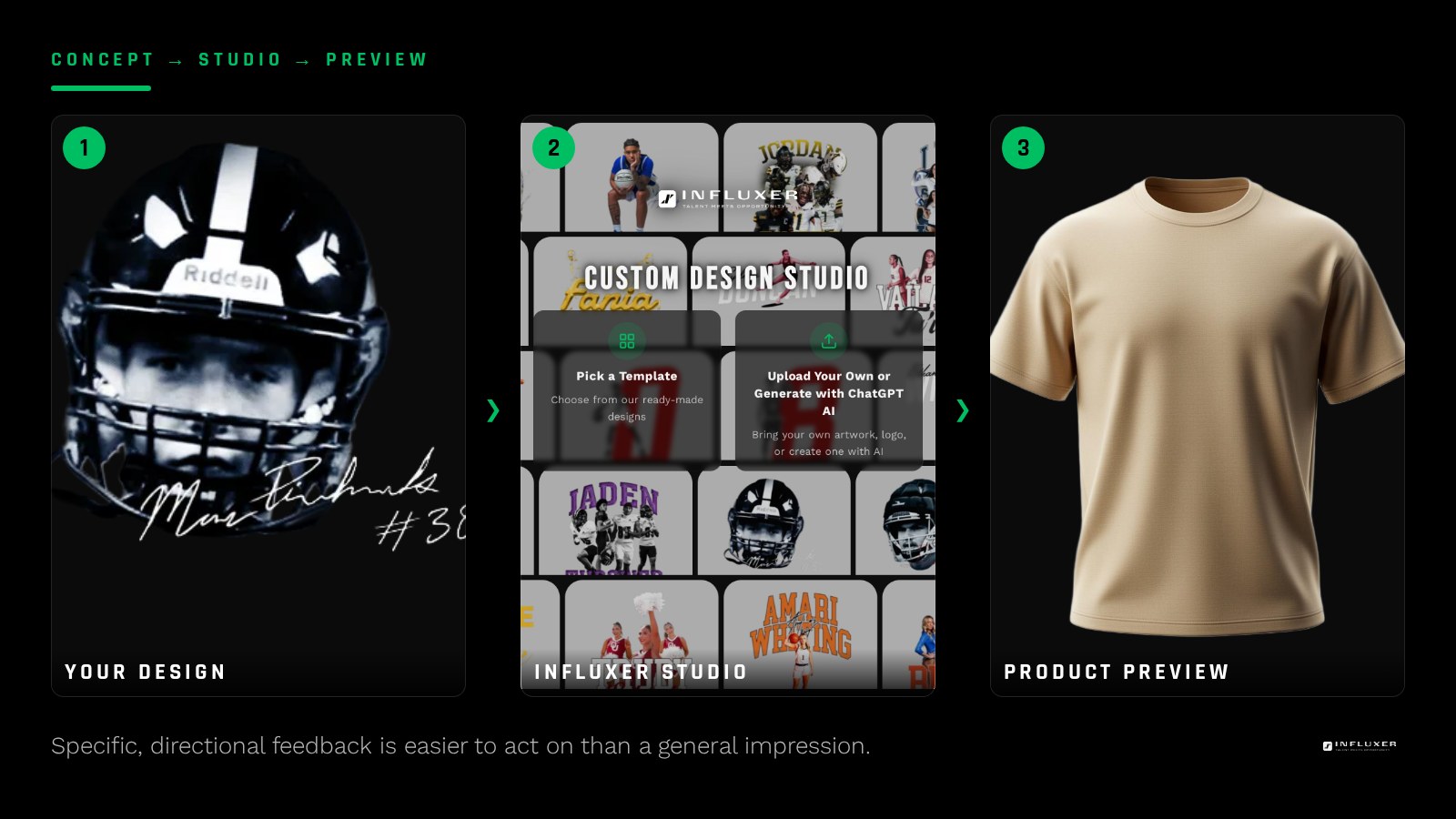
The most useful feedback has two parts: what element you are talking about, and what specific change you want made to it. "Move the number lower and increase its size" tells the studio exactly what to do. "It feels off" does not point anywhere, and the next draft may not fix the thing that actually bothered you.
- "Move the number lower and increase its size" instead of "the number looks weird"
- "Change the shirt color to Blue Jean" instead of "I don't love this color"
- "Make my name larger and center it" instead of "the name needs work"
- "Use a bolder font for the phrase" instead of "the text feels flat"
- "Move the logo up half an inch" instead of "the placement is off"
Group your feedback into one request
Sending five separate messages over a few hours as new thoughts occur to you slows things down more than sending one complete list at once. Look over the entire draft first, write down everything you want changed, and submit it together as a single revision request.
This matters because each round of revisions takes real time to turn around, and a partial list sent now followed by another partial list sent an hour later effectively costs you two rounds instead of one. Write your notes down as you look at the draft, even in a plain note on your phone, then transfer the full list into your actual feedback in one pass.
Distinguish taste from a mistake
A misspelled name or the wrong jersey number is a mistake and should be flagged immediately and specifically. A color you are simply unsure about is a matter of taste, and it helps to say which you would consider, such as "try it in Pepper instead of black," rather than "I don't know, something different."
The Review step is where this all happens
The Review step is the fifth of the five studio steps, and it is where the current version of your design sits on a real garment mockup for you to check. This is the moment to slow down and actually read the design rather than glance at it — catching an issue here is far more direct than raising it after the fact.

What to expect after you submit feedback
Once you submit a specific, grouped revision request, the design goes back to the studio for the requested changes, and a new version comes back to you for another look at Review. The process repeats however many times it genuinely takes to match what you described — there is no fixed number of rounds promised either way, just a straightforward loop of feedback and adjustment.
When the next version arrives, go through your original notes and check each one off individually rather than just glancing at the overall look. It is easy to notice that a design "feels closer" while missing that one specific request, like the number size, was not actually addressed. Confirming each item closes the loop cleanly instead of leaving something to resurface in a later round.
Bringing reference images into a revision request
If words alone are not landing, a reference image can close the gap faster than another paragraph of description. A photo of a font style you like, or an example of a placement you prefer, gives the studio something concrete to match rather than an interpretation of your description. Keep references specific to the one element you are pointing at, rather than a whole different design you like in general, since a whole-design reference is harder to translate into a targeted change.
Give feedback that actually works
- Go through the draft element by element instead of reacting to it as a whole.
- Name the specific element before describing the change.
- Use directional and specific language, not general impressions.
- Write down everything you want changed before submitting anything.
- Group all changes into a single revision request.
- Separate clear mistakes (spelling, numbers) from matters of taste.
- Give a specific alternative when raising a color or style concern.
Frequently asked questions
What is the fastest way to describe feedback on a design?
Name the specific element and the specific change you want, such as "move the number lower and increase its size." Specific requests can be acted on directly, while general impressions require guessing.
Should I send feedback as I think of it or all at once?
All at once. Look over the whole draft, list everything you want changed, and submit it as one grouped request rather than several separate messages.
What if I just do not like the color but cannot say why?
Try naming a specific alternative you would consider instead, like a different named color. A concrete option is more useful than an undefined dislike.
Is there a limit to how many rounds of feedback I can give?
There is no fixed number promised either way — the process is a straightforward loop of feedback and adjustment until the design matches what you described.
What is the difference between a mistake and a taste issue?
A mistake is something objectively wrong, like a misspelled name or the wrong number, and should be flagged immediately. A taste issue, like uncertainty about a color, is worth naming with a specific alternative rather than a vague dislike.
Start with a template — A clear brief and clear feedback both start here.
See the five studio steps — Understand how Review fits into the full process.