Design it for me
Team Merch Without a Designer on the Roster
Coordinating merch for a whole team gets harder without a designer around. Here is how to keep it consistent anyway.
By Influxer · Published 2026-08-16 · Updated 2026-08-16 · 4 min read
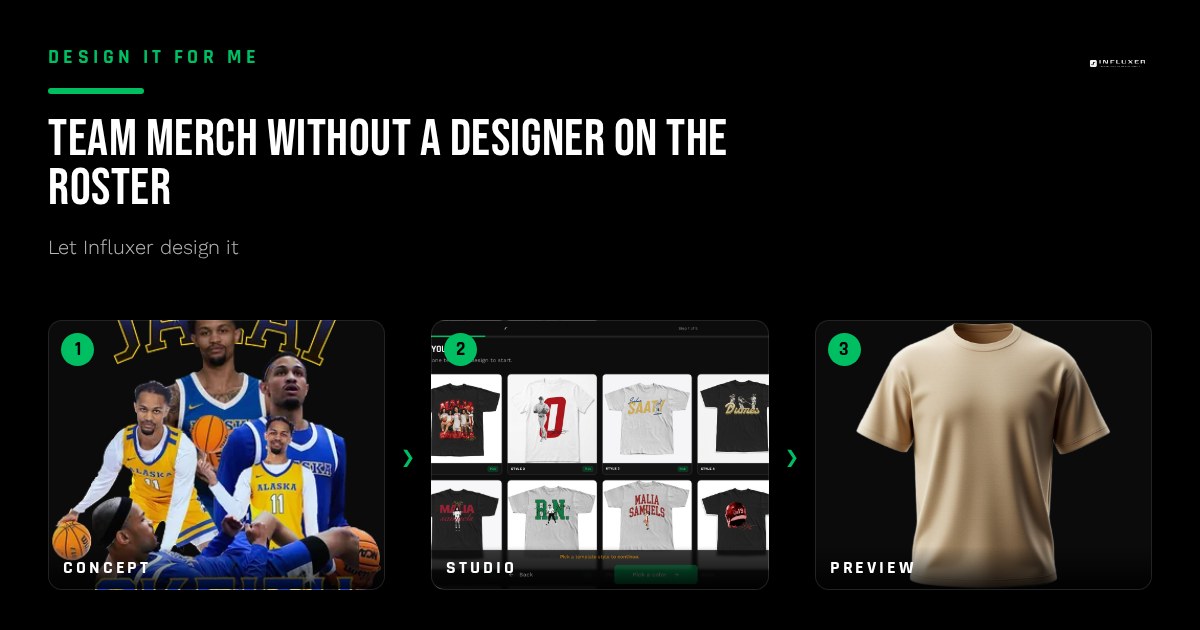
Someone always ends up in charge of team merch, and that person is rarely a designer. They are a captain, a parent, or a coach with a group chat full of opinions and a deadline. Getting a whole roster onto matching merch without anyone touching design software is entirely doable, but it takes a bit more coordination than a single athlete ordering for themselves.
The template path handles the visual work the same way it does for an individual: you supply the specifics, the studio builds around them. What changes at team scale is how you organize those specifics across multiple people and how you keep the final designs consistent instead of nine slightly different shirts.
Here is how to run that process without a designer in the room.
Pick one template and one direction, not a vote
Trying to get a whole team to agree on a design from scratch usually stalls. It is faster to pick a template for your sport at /onboarding?mode=templates, choose one garment and one or two colors as a group, and let individual variation happen only in the fields that are meant to vary — names and numbers.
A single locked-in direction also keeps every teammate's shirt looking like part of the same set instead of nine separate one-off designs.
Decide the fixed elements before anyone submits
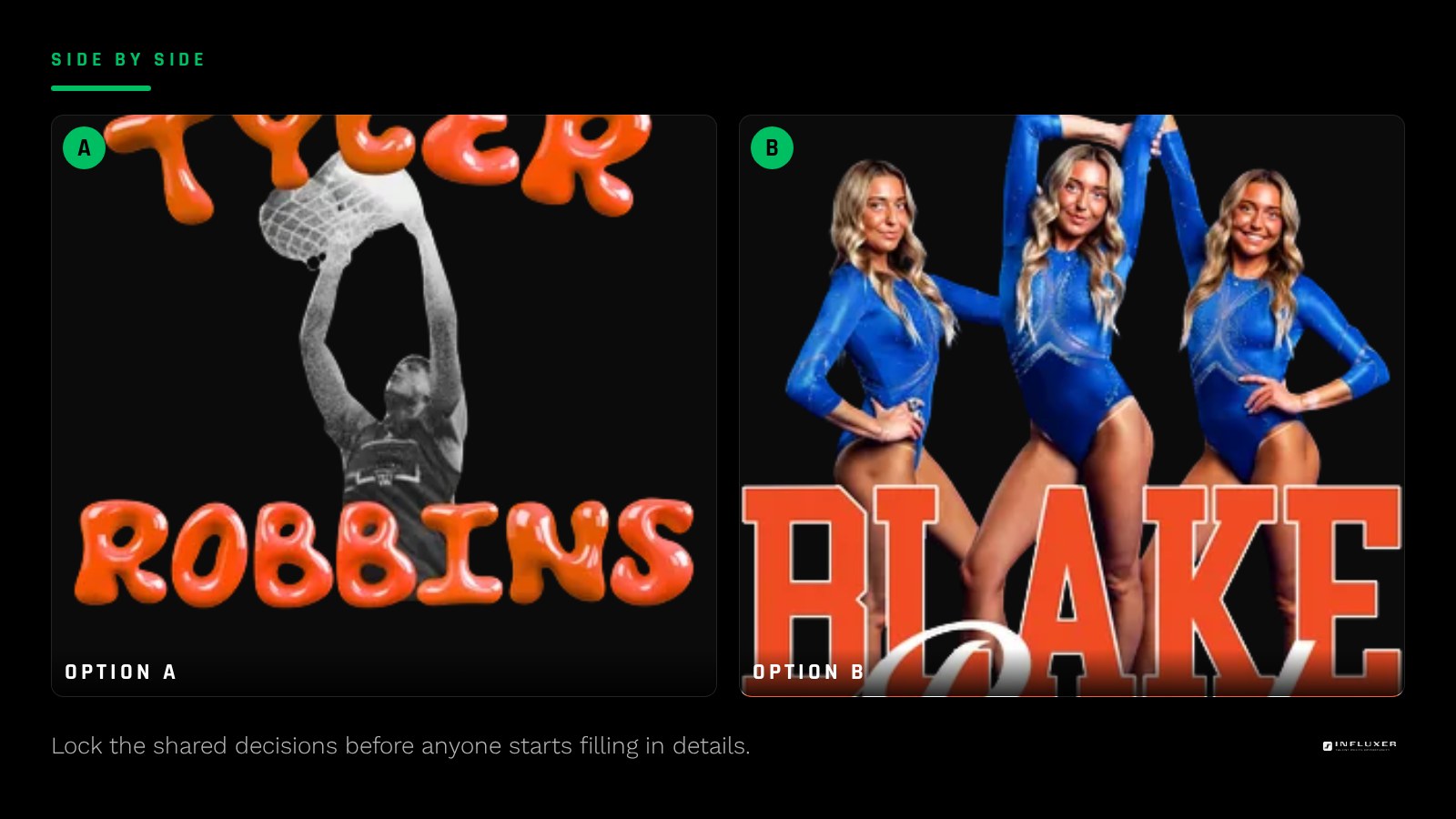
Before individual teammates start filling anything in, the coordinator should lock a few decisions for the whole group.
- The garment: Comfort Colors 1717 tee, Independent Trading Co. SS4500 hoodie, or both
- The color or colors everyone will use, named specifically (e.g. Blue Spruce, not "dark green")
- Whether the team logo or mark is included, and confirmation that it is licensed to use
- Whether names, numbers, or both appear on each shirt
- Any shared phrase, season, or year that should appear across every shirt
A school or team logo needs permission first
If the design includes an official school or team mark, that logo is licensed property. Using it on merch requires permission from the school or organization that owns it before it goes anywhere near production, regardless of who is designing around it. Sort this out before individual teammates start submitting so no one's shirt has to be redone.
Let each teammate handle their own name and number
Once the shared decisions are set, each athlete can go through the same template and fill in their own name, number, and any personal detail without touching the parts that need to stay consistent. This spreads the actual data entry across the team instead of one coordinator typing every name in by hand.
Review still happens per person
Each teammate's submission ends at the Review step, where their individual design is shown on the real garment mockup before it moves further. Encourage every athlete to actually look at their own Review screen — check the spelling of their name and that their number is correct — rather than assuming the coordinator caught it.
This is the point where a typo in someone's name gets caught, and it is much easier to fix here than after the fact.
One person should check for consistency at the end
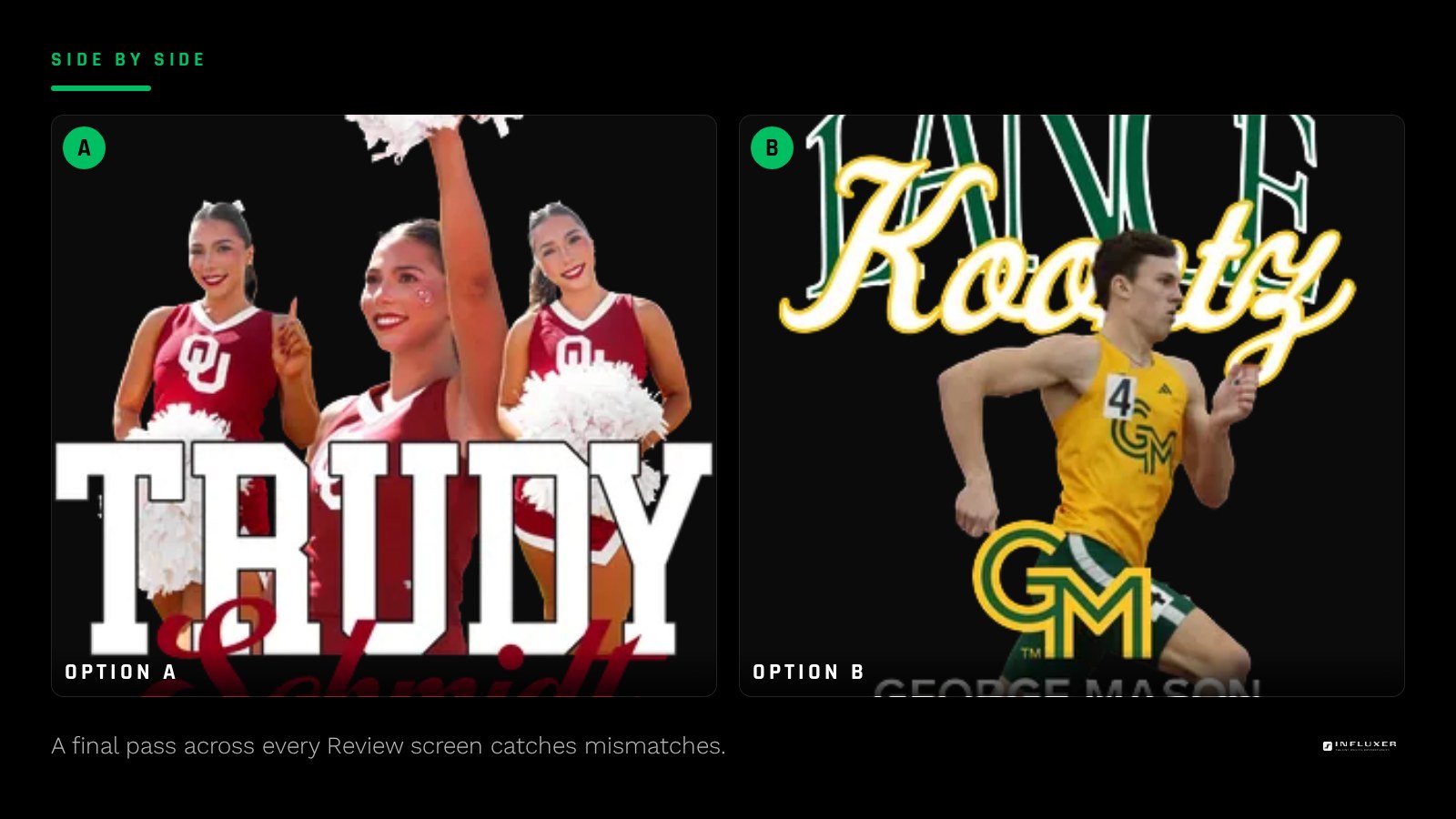
Even with a locked template and shared colors, it helps to have one person — coach, captain, or parent — look across all the individual Review screens before everything moves forward. This catches the one teammate who quietly picked a different color or forgot the shared phrase.
Handling sizes and garments without a spreadsheet nightmare
Team orders often stall on the unglamorous part: collecting sizes. Share the template link along with a simple note asking each teammate to confirm their size and garment choice (tee, hoodie, or both) at the same time they fill in their name and number, so the coordinator is not chasing that information separately after the fact.
If some teammates want a tee and others want a hoodie, that is fine as long as the design and color stay locked across both garments. The studio scales the same design to fit each garment's print area, so a mixed-garment order still looks like one coordinated set rather than two different releases.
Run a team order without a designer
- Pick one template and lock it for the whole team.
- Choose one garment and one or two colors as a group decision.
- Confirm any team or school logo is licensed for use before including it.
- Decide what stays fixed (color, phrase) versus what varies (name, number).
- Share the template link with teammates so each fills in their own details.
- Ask every teammate to check their own Review screen.
- Have one coordinator do a final pass across all submissions for consistency.
Frequently asked questions
Do we need a designer on the team to make this work?
No. One person locking a template, garment, and colors is enough coordination. The studio builds each individual design once teammates fill in their own name and number.
How do we keep everyone's shirt looking consistent?
Lock the garment, color, and any shared phrase before teammates start, and only let names and numbers vary between individual submissions. A final check across everyone's Review screens catches anything that slipped.
Can we use our school logo on the team merch?
Only with permission from the school or organization that owns the mark, since it is licensed property. Confirm that before anyone submits their design.
What if one teammate wants a different color than the rest?
That is a team decision to make upfront, not something to sort out after submissions start. Locking the color choice early avoids mismatched shirts in the same order.
Who checks each teammate's design for mistakes?
Each teammate should check their own Review step for spelling and number accuracy, and a coordinator should do one more pass across the whole group before things move forward.
Start with a template — Lock in one layout the whole team can build on.
See the five studio steps — Walk through Design, Photo, Signature, Info, and Review.