Help me choose
Questions Worth Asking Before Your First Merch Order
A handful of honest questions to answer before you open the studio, so your first order goes smoothly the first time.
By Influxer · Published 2026-08-16 · Updated 2026-08-16 · 4 min read
Your first merch order does not need to be complicated, but a few minutes of thinking ahead saves you from bouncing between steps figuring things out as you go. This is a short list of questions worth answering before you open the Influxer studio, organized around the actual five-step flow: Design, Photo, Signature, Info, and Review.
None of these questions are trick questions. They are the same ones that come up naturally once you are mid-order, just asked earlier so you can move through the studio without stopping to figure them out.
Do you already have artwork, or are you starting from nothing?
If you have a logo, wordmark, or graphic that is yours to use, uploading it is the more direct route. If you do not, starting from a ready-made design lets you skip the creative groundwork entirely and focus on placement and details instead.
There is also a middle option: starting from a ready-made layout and adding your own logo into it, which works well if you have a mark but not a full composition.
If you are not sure your artwork is actually usable, check two things before you commit to uploading it: the file needs to be a PNG, JPG, PDF, or SVG, and it needs enough resolution to hold up once placed at print size. A small image pulled from a social media post is the most common way artwork looks fine on a screen and rough once printed.
What garment and color are you actually picturing?
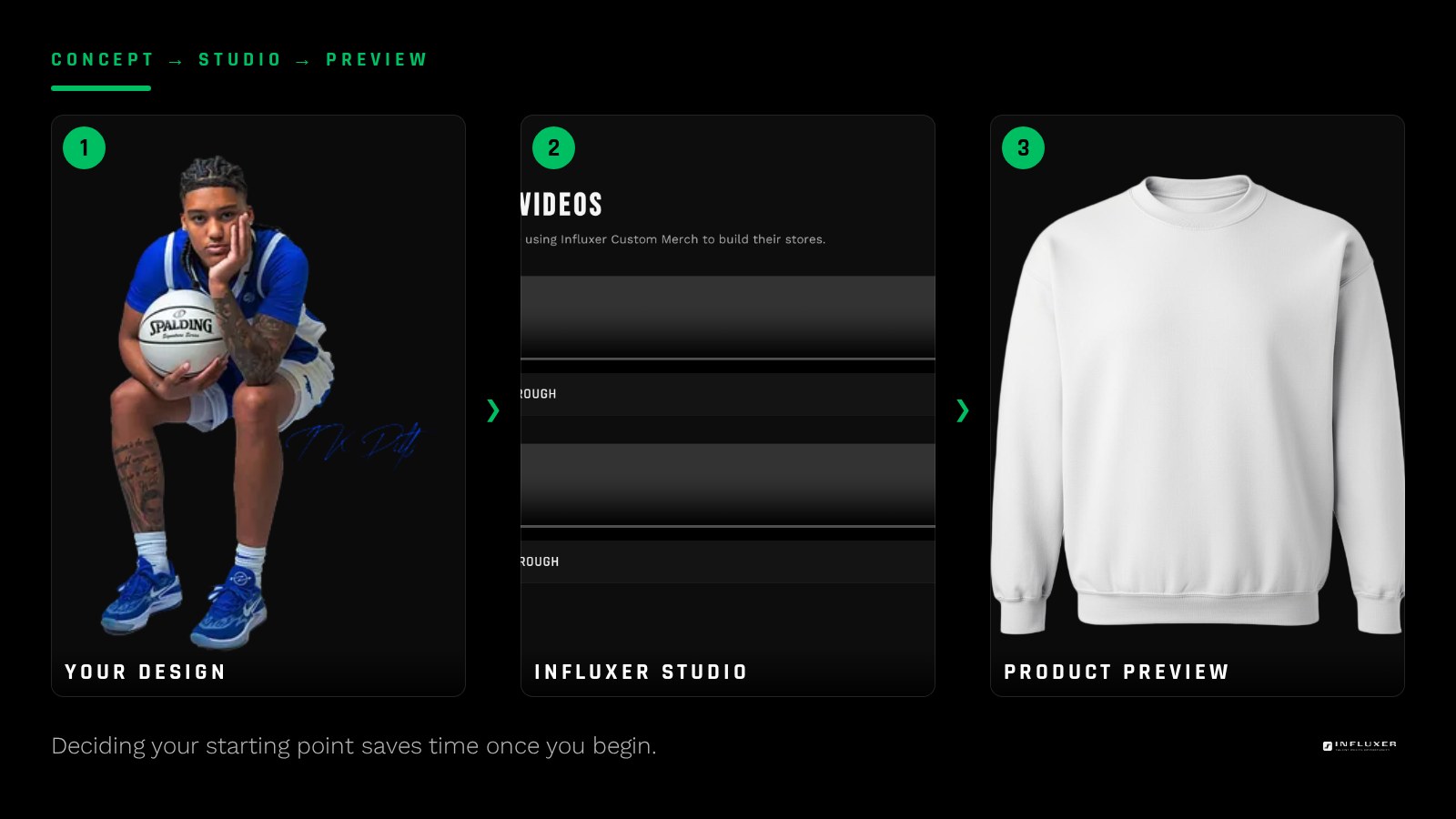
The studio previews artwork on real garment mockups, including tees, hoodies, long sleeves, crewnecks, quarter-zips, polos, and tanks, so it helps to have a rough idea of which one you want before you start placing a design.
Color matters too. A design that reads clearly on an Ivory tee might disappear on a Pepper one, so think about contrast before you commit to a specific colorway.
You do not need to lock this in permanently before starting. The studio lets you swap the garment and color while your design stays in place, so a rough idea is enough to get moving; you can refine it once you see the actual mockup in front of you.
Do you want to add a photo, and do you have one ready?
The Photo step is part of the flow, so it helps to know ahead of time whether you plan to take a new photo or use one you already have. If you plan to shoot something new, your phone is the more convenient device, since it is both camera and upload tool in one.
A well-lit, simple background photo tends to work better than a busy action shot if the photo is meant to sit alongside your design rather than compete with it. Think about what the photo is actually for in your layout before you shoot it.
Do you want to include a signature?
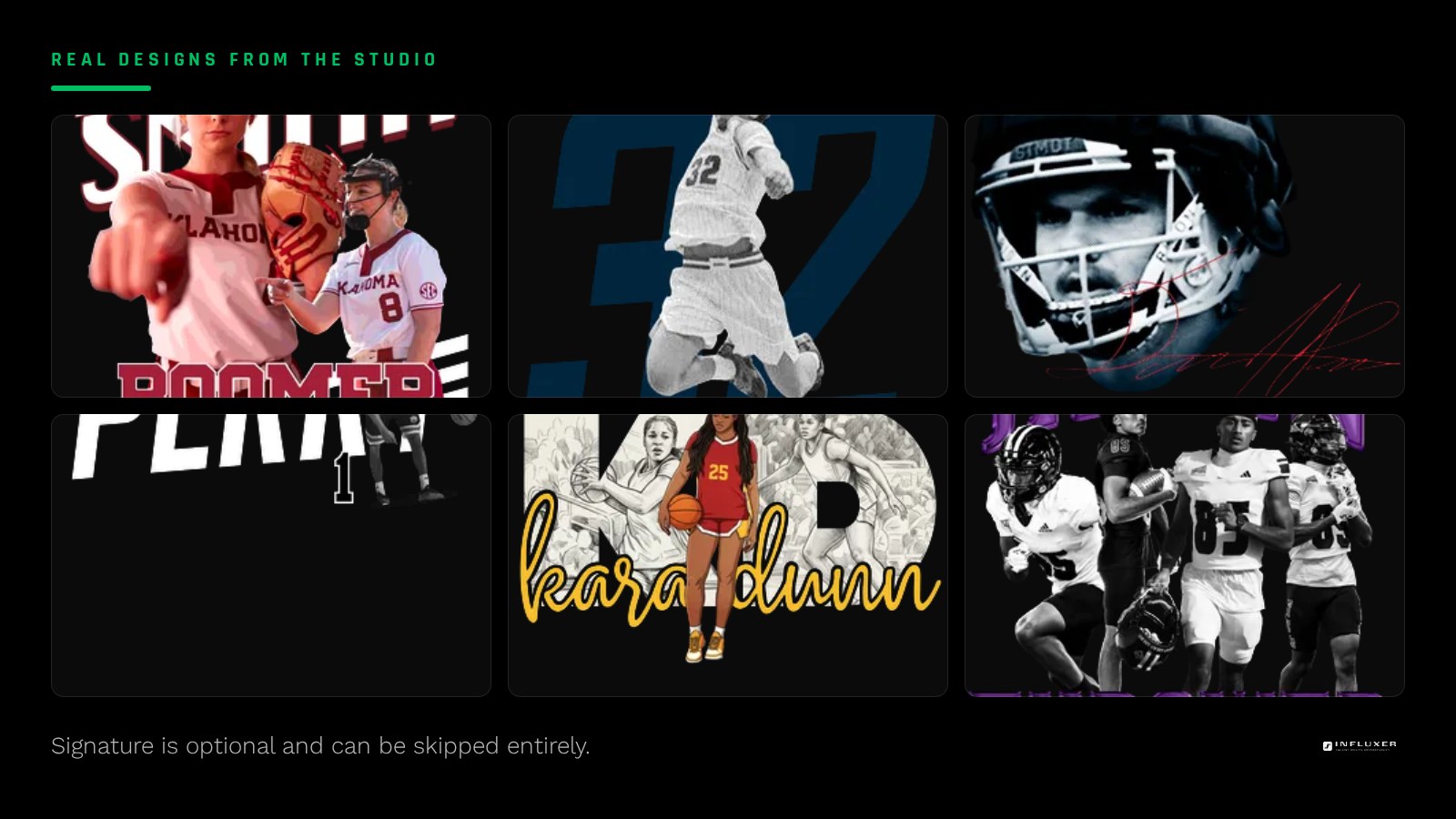
Signature is optional and can be skipped without affecting whether your order is complete. Decide ahead of time whether it fits your design, since deciding mid-step is fine too but knowing in advance keeps you moving.
Do you already have an Influxer account, or does it matter?
You are not required to have an account to complete an order. At the Info step you can look up an existing account, get a signup link for a new one, or continue manually. Knowing which of these applies to you beforehand saves a moment of hesitation when you reach that screen.
Are your contact details accurate and current?
Whatever email or phone number you plan to use at Info is also what ties to your submission limit of up to three actual submissions, not counting drafts. Make sure it is one you actually check, since it is how a reviewer would reach you if anything needs confirming.
Do you have time to finish in one sitting, or should you plan to resume?
If you are not sure you can finish everything at once, that is fine. Drafts auto-save and you get a resume link, so you can start now and pick back up later without losing your design, photo, or details.
Answer these before you start
- Do you have usable artwork, or are you starting from a ready-made design?
- Which garment and color are you actually picturing?
- Do you plan to add a photo, and is it ready to go?
- Will you include a signature or skip that step?
- Do you have an existing account, or will you go manual?
- Is your contact email or phone number current and accurate?
- Do you need to plan for finishing this in more than one sitting?
Frequently asked questions
Do I need to answer all of these before I open the studio?
No, they are helpful to think through ahead of time, but nothing stops you from deciding mid-order. The flow lets you move at your own pace.
What if I do not have a photo ready yet?
You can skip ahead or leave that step for later, since your draft auto-saves and you can resume from a link once you have a photo ready.
Is it a problem if I am not sure which garment I want yet?
No. You can try a design on multiple garment mockups in the studio before deciding, since the preview updates as you change your selection.
What if I only figure out my answer to one of these questions partway through?
That is normal and fine. You can adjust earlier choices before you reach the collaborator agreement at Review.
Start your merch — Answer a few questions and get pointed to the right path for your merch.
Upload your own design — Bring a finished logo or graphic and place it yourself.