Bring your own
Signature and Autograph Designs on Shirts
A guide to turning your actual signature into clean, print-ready artwork, plus how the optional Signature step fits into the studio flow.
By Influxer · Published 2026-08-16 · Updated 2026-08-16 · 5 min read

A signature is one of the most personal marks you can put on merch because it is literally your own handwriting, not a font someone else designed. Used well, it can feel more authentic than any typeface. Used carelessly, a signature scanned off a piece of paper often prints as a faint, uneven scrawl that is hard to read at any distance.
The athlete flow in the Influxer studio includes a dedicated Signature step, and it is entirely optional. You can skip it and still submit a complete design, or you can use it deliberately as part of a design that specifically calls for a handwritten element, like a signature print on a sleeve or a small autograph-style detail near a number.
This guide covers how to capture and clean up a signature so it prints clearly, where a signature works well in a layout versus where it gets lost, and how the optional studio step fits into the rest of your submission.
Capture the signature properly before anything else
Sign on plain white paper with a dark, bold marker or pen rather than a thin ballpoint. Thin ink lines that look fine on paper often thin out further once photographed, scanned, and scaled for print, so start with a bolder stroke than feels natural if you are used to signing forms with a regular pen.
Photograph or scan the signature in good, even lighting with no shadows crossing the paper. A shadow across part of the signature will show up as an inconsistency in the final artwork, since it changes how the cleanup process reads the edges of your ink strokes.
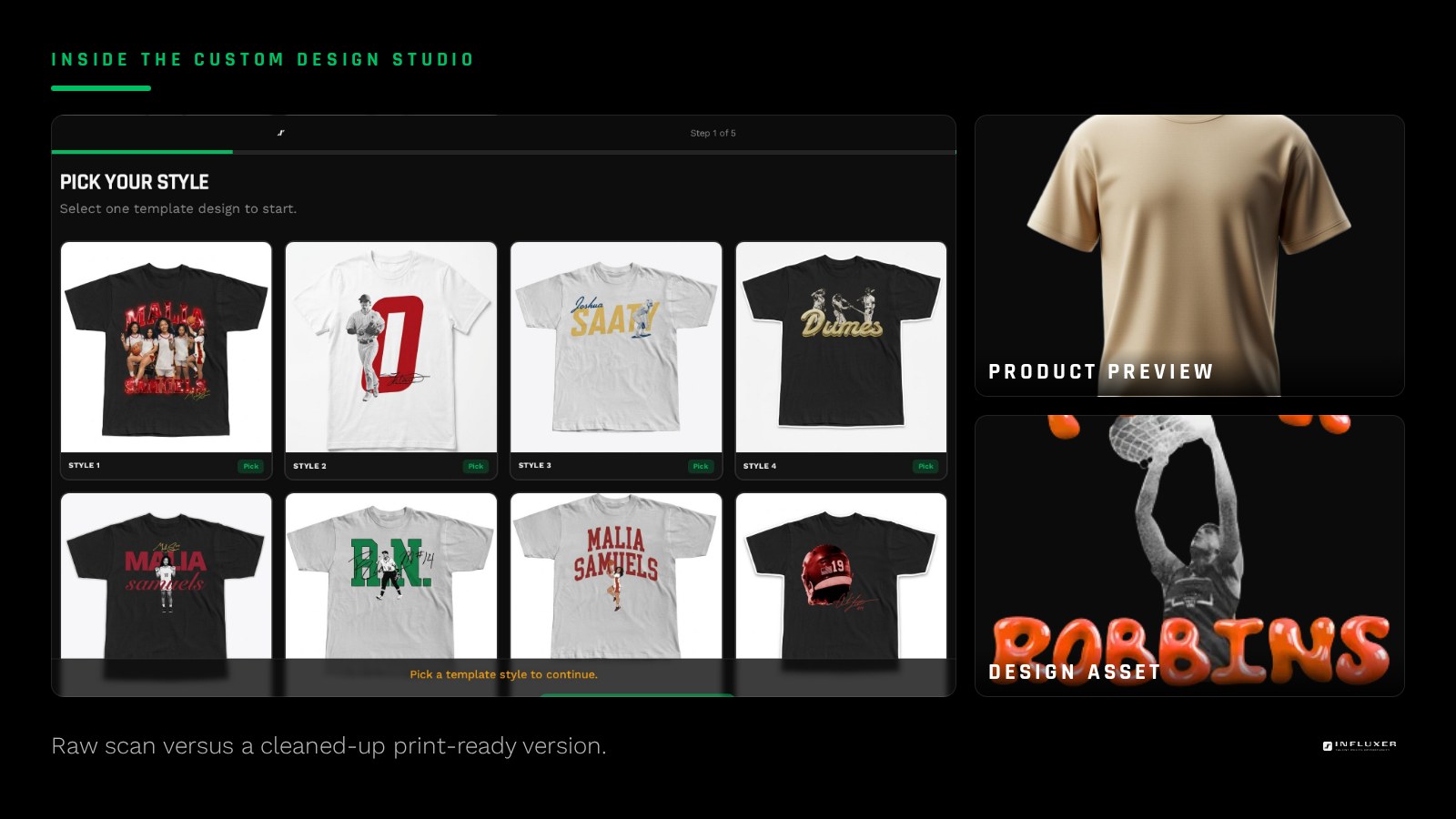
Clean it up into a real vector or high-contrast file
Once you have a clean photo or scan, the goal is to convert it into pure black strokes on a transparent background, with no grey paper texture or shadow remaining. Most photo editing or vector tracing tools have a way to increase contrast dramatically and then trace or threshold the image so it becomes solid black lines rather than a photograph of ink on paper.
If you have access to vector tracing software, tracing the signature into true vector paths gives you a file that scales to any size, from a small sleeve accent to a large back print, without losing sharpness. If you only have a raster cleanup, export at the highest resolution your source photo supports.
Decide where a signature actually belongs in a layout
A signature works best as an accent, not as the primary communicating element of a design. Because handwriting is inherently less legible than type, especially at a distance, a signature used as the only text on a large chest print risks being unreadable to anyone who does not already know what it says.
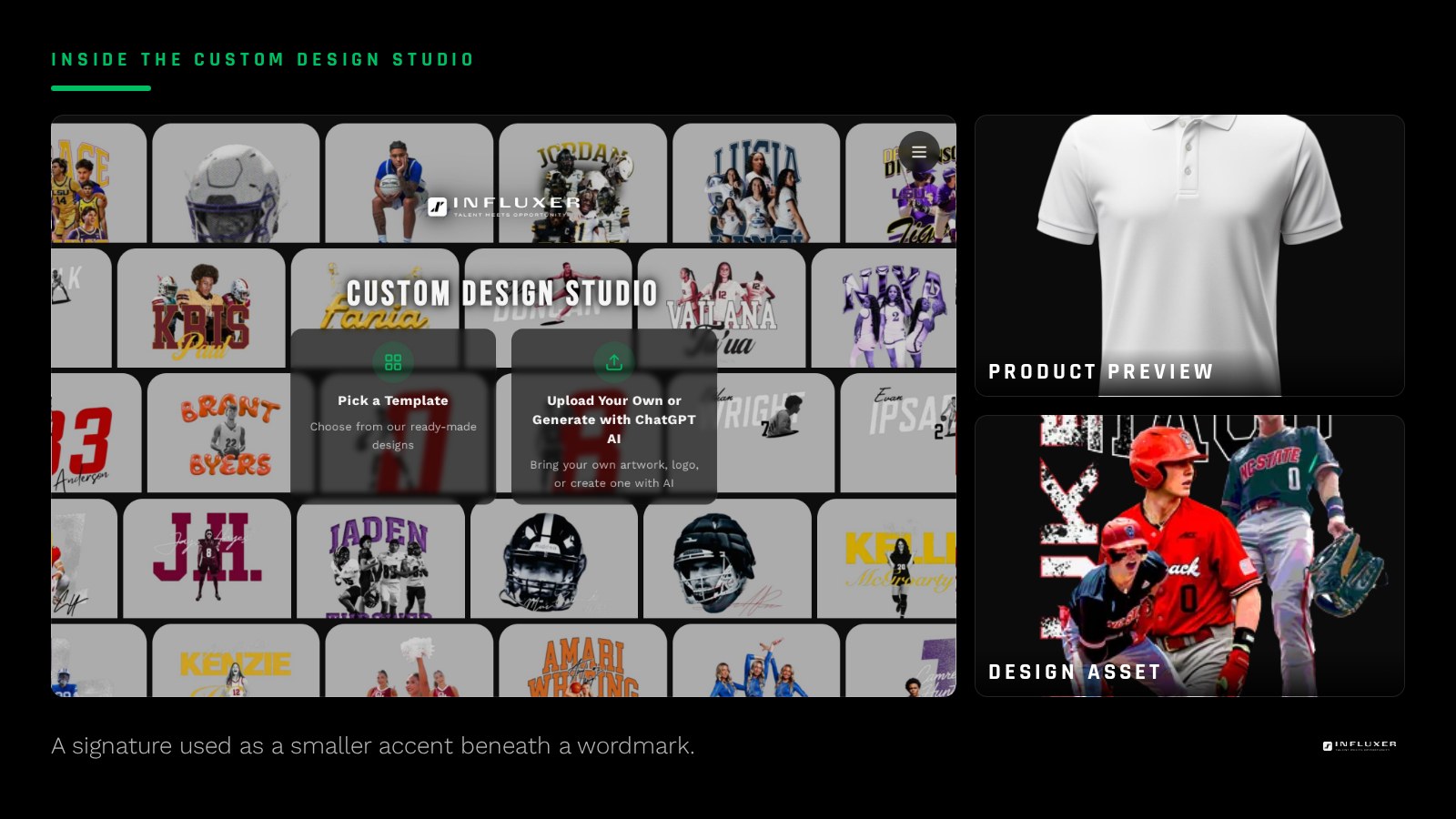
Strong placements include a smaller signature beneath a bold primary wordmark or number, a signature as a sleeve detail, or a signature used at a larger decorative scale specifically because the shape and gesture of it matter more than someone reading every letter. Match the placement to how much you need the content to be legible versus how much you want the personal, handwritten feel.
Size signatures generously
Handwriting has more fine detail relative to its size than most typefaces, since it includes natural variation in stroke width and connecting flourishes between letters. A signature that would be a legible size as printed type often needs to be printed noticeably larger to preserve the same level of detail and readability.
If you are pairing a signature with a bold wordmark or number, let the signature be the smaller, secondary element, but do not shrink it so far that its natural loops and connections collapse into an illegible squiggle.
Using the Signature step in the studio
The athlete flow moves through five steps: Design, Photo, Signature, Info, Review. The Signature step is specifically optional and skippable; you can move straight to Info and Review without providing one, and your submission is still complete. Use it only if your actual design plan includes a signature element.
If your design already incorporates a signature graphic as part of the artwork you uploaded in the Design step, you may not need the separate Signature step at all, since the signature is already baked into your file. The step exists mainly for cases where a signature is being added as its own distinct element on the order.
When to skip the signature entirely
If your handwriting is not one you feel represents you well, or if you do not have a clean way to capture it, skipping the signature entirely and relying on a strong wordmark, monogram, or number is a completely reasonable choice. A signature adds a personal touch, but it is not required for a design to feel authentic or complete.
Before you use a signature on merch
- Sign with a bold, dark pen or marker on plain white paper.
- Photograph or scan it in even lighting with no shadows across the ink.
- Increase contrast and clean the file down to solid black strokes on transparent background.
- Trace to true vector paths if you have access to vector software.
- Use the signature as an accent, not the sole communicating element, unless it is meant to be decorative.
- Size the signature generously so its natural detail does not collapse at small scale.
- Decide whether you need the studio’s Signature step or if your artwork already includes it.
Frequently asked questions
Do I have to complete the Signature step to submit my order?
No. The Signature step is optional and skippable. You can move through Design, Photo, Info, and Review without providing a signature and your submission will still be complete.
Can I use a signature as the main design instead of a wordmark?
You can, but a signature reads less clearly at a distance than a bold typeface, so it works best at a larger scale where the gesture of the handwriting matters more than someone reading each letter quickly.
What if my handwriting is messy?
A cleaner second attempt, written slowly and deliberately with a bold pen, usually photographs and cleans up much better than a rushed everyday signature. If it still is not clear, a strong wordmark or monogram is a solid alternative.
What file format should a cleaned-up signature be?
A transparent-background PNG works for a raster cleanup, or an SVG if you traced it into vector paths. Either way, confirm the background is genuinely transparent, not a white rectangle, before uploading it.
Upload your design — Preview a signature detail on a real garment mockup.
Watch the studio walkthrough — See the five-step flow, including the optional Signature step.